
If you’re a homeowner looking to upgrade your security setup without hiring expensive installers or signing long-term contracts, the Abode alarm system might be worth your attention. Unlike traditional security providers that lock you in, Abode offers a flexible, DIY-friendly approach that fits the way modern homeowners want to manage their properties. Whether you’re protecting a small apartment or a larger home, understanding what Abode offers, and how it stacks up against other options, can help you make an well-informed choice about your home security investment.
Table of Contents
ToggleKey Takeaways
- The Abode alarm system offers DIY-friendly installation with no technician required, making it an affordable alternative to traditional security providers with long-term contracts.
- Local video storage and encrypted data keep your recordings and activity logs secure on the hub rather than exclusively in the cloud, appealing to privacy-conscious homeowners.
- Abode’s modular design lets you purchase only the sensors and devices you need and expand incrementally, with basic starter kits costing $250–350 compared to $40–60/month contracts with traditional providers.
- Cellular backup connectivity ensures the system sends alerts even if your Wi-Fi fails, providing essential redundancy for home security monitoring.
- The Abode alarm system integrates with IFTTT and Amazon Alexa for automation, allowing you to create routines like auto-arming when everyone leaves and auto-disarming upon arrival.
- Professional monitoring is optional at $10–15/month, letting you scale protection to your needs without sacrificing the flexibility and control of a DIY approach.
What Is Abode and How Does It Work?
Abode is a cloud-based home security platform designed for DIY installation and management. Unlike hardwired systems that require a technician and a contract, Abode uses wireless sensors, door/window contacts, and cameras that you install yourself and control through a mobile app or web portal. The hub acts as the central command center, communicating with all your devices via wireless signals.
The system operates on a straightforward principle: sensors monitor entry points and motion, then relay alerts to your hub. If triggered, you can respond in real-time through the app, disarm the alarm, check live camera feeds, or contact emergency services if needed. The Abode hub stores locally encrypted data, meaning your recordings and activity logs stay on the device rather than exclusively in the cloud, which appeals to privacy-conscious homeowners.
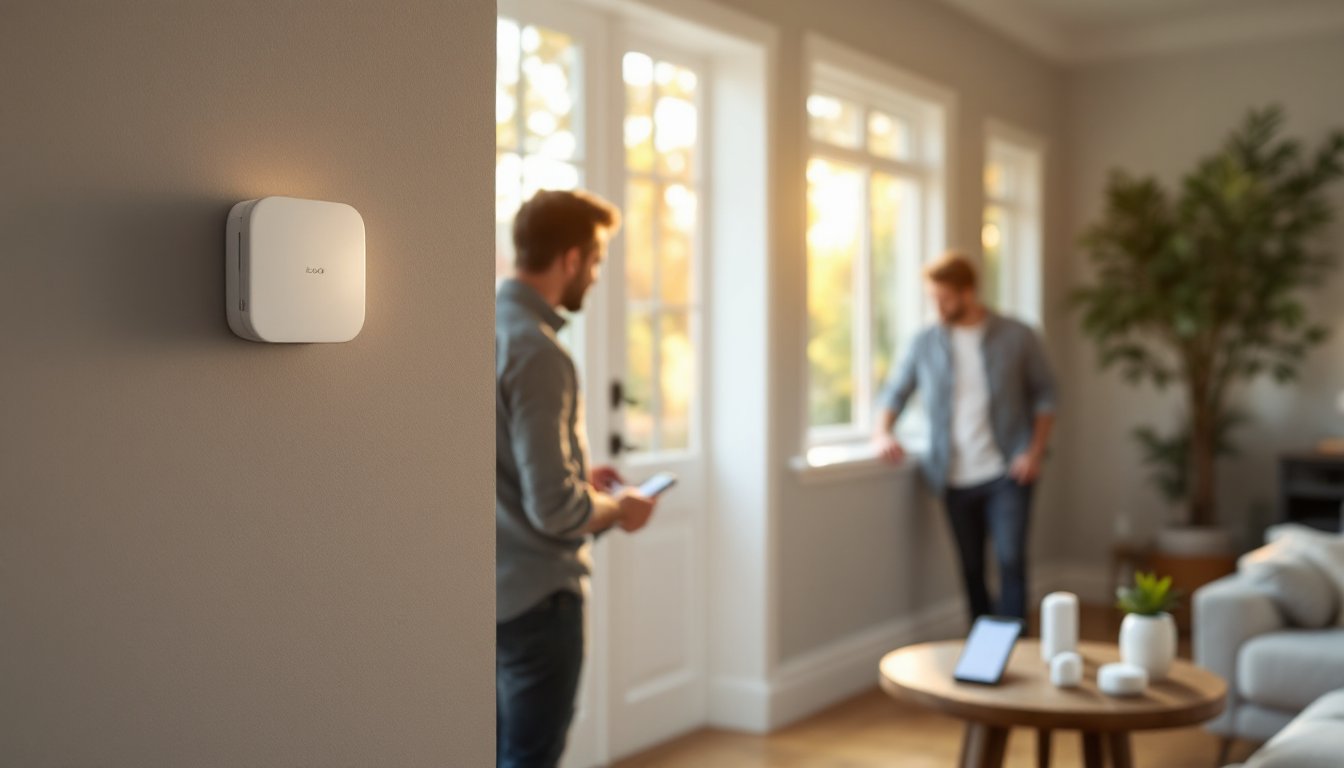
Installation is straightforward. Mount the hub somewhere central, a hallway, closet, or cabinet works, plug it in, download the app, and add sensors one at a time. Abode uses cellular and Wi-Fi connectivity, so if your internet goes down, the system can still send alerts via its built-in cellular backup. This redundancy matters when security is on the line.
Key Features and Smart Home Integration
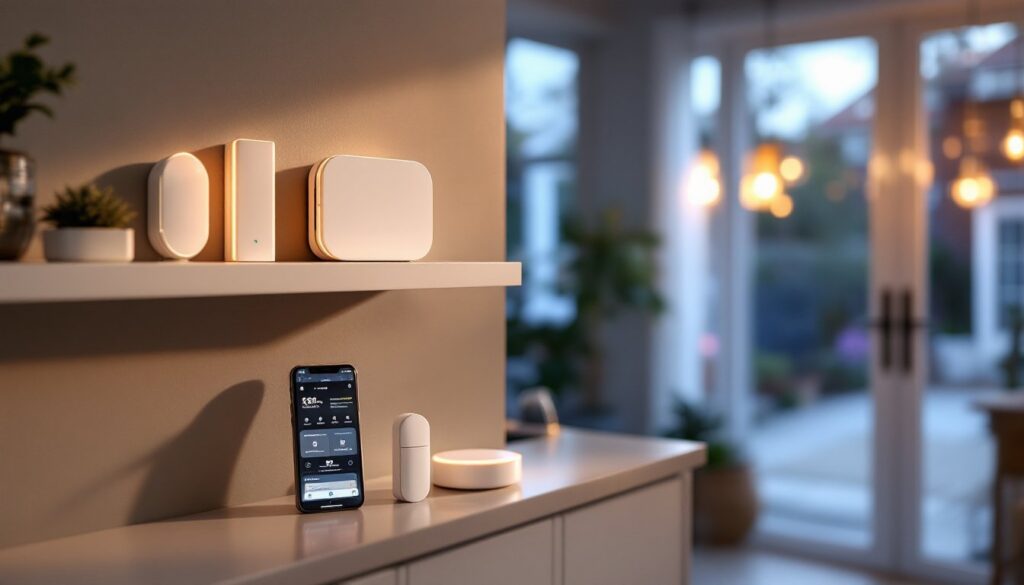
Abode’s core appeal lies in its modular design. You buy what you need and expand later, rather than paying upfront for a full package you might not use. The platform includes door/window sensors, motion detectors, glass-break sensors, and video cameras that integrate seamlessly.
One standout is local video storage. Unlike systems that stream everything to the cloud, Abode cameras record locally to the hub by default. You can watch footage from the app anywhere, but your recordings don’t sit on someone else’s server indefinitely. For homeowners concerned about privacy or data retention, this is a real differentiator.
Abode also partners with professional monitoring services if you want 24/7 backup. If an alarm triggers and you don’t disarm it, the monitoring center can contact authorities on your behalf. This hybrid approach, local control with optional professional monitoring, appeals to DIYers who don’t want to sacrifice safety for independence.
The recent Abode Iota all-in-one device combines hub and camera, streamlining setup for smaller homes. That said, you can also mix and match devices to suit your layout.
Automation and Control Options
Abode’s automation engine lets you create scenes and routines. For example, set your system to arm when the last person leaves, trigger lights when motion is detected at night, or send notifications if a sensor is triggered outside normal hours. Integration with IFTTT (If This Then That) and Amazon Alexa adds flexibility, though support for other platforms remains limited compared to some competitors.
The app’s user interface is clean and responsive. Arming, disarming, checking sensor status, and reviewing camera footage all happen with a few taps. Voice control through Alexa works, though it requires extra setup steps and doesn’t replace the app for all functions. Geofencing is available, the system can auto-arm when everyone leaves and disarm when the first person arrives, but like all location-based features, it depends on accurate phone positioning.
Installation and Setup for DIY Homeowners
Here’s where Abode shines for the DIY crowd. Installation requires no electrician, no drilling into studs, and no permit paperwork. You’ll need:
Tools & Materials:
• Double-sided adhesive strips (usually included)
• Screwdriver (if you prefer screw mounting instead of adhesive)
• Smartphone or tablet for the app
• Home Wi-Fi network or cellular connection
Start by placing the hub within Wi-Fi range, typically 30-40 feet in an open space. Behind furniture or inside a cabinet can weaken signal, so plan the location carefully. Plug it in and connect to power: battery backup isn’t standard but available as an optional add-on.
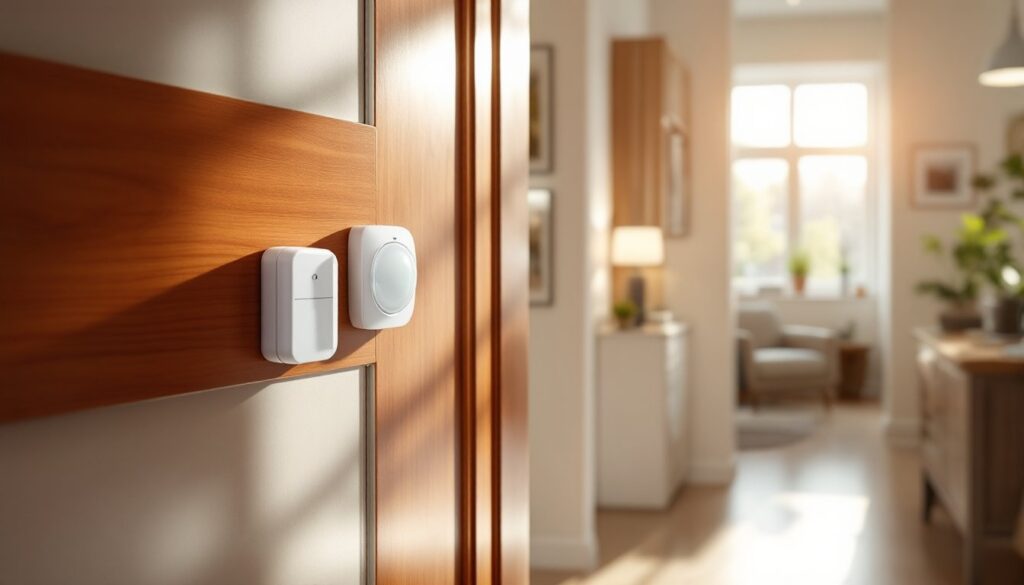
Next, position sensors on doors and windows. Adhesive strips work fine for renters or those avoiding holes, though some prefer the cleaner look of small screws. The magnetic door/window sensors sit on the frame, and the magnet sits on the door itself. When the door opens, the magnet separates and triggers an alert. Mount them about 1 inch apart for reliable activation.
Motion sensors should be placed in corners or high-traffic areas, roughly 5-6 feet off the ground. Aim for a spot with a clear line of sight to entries. Avoid pointing directly at windows, sunlight can cause false triggers.
Once hardware is placed, download the Abode app, create an account, and add each device by scanning a QR code. The system guides you through naming devices, assigning them to zones (front door, kitchen, etc.), and testing them. The entire process typically takes 30-60 minutes for a basic setup.
For renters or those moving frequently, this zero-infrastructure approach is invaluable. You can remove sensors, reset the hub, and take everything with you. Unlike wired systems that require tools and restoration work, Abode leaves no permanent marks.
Pricing and Plan Options
Abode pricing breaks down into hardware and monitoring costs. The hub itself runs $100-150 depending on the model: additional sensors (door/window, motion, camera) range from $30-80 each. A basic 4-sensor starter kit typically costs $250-350.
Monitoring plans are optional. The basic DIY plan ($0/month) gives you app alerts and local recording but no professional monitoring. The Secure plan ($10-15/month) adds 24/7 professional monitoring and emergency dispatch. Both plans come with cloud backup and app access.
Compare this to traditional security companies like ADT or Vivint, which often require 3-5 year contracts and charge $40-60/month plus installation fees. Abode’s flexibility, no contract, pause anytime, appeals to homeowners who value control. But, the modular approach means costs can creep up as you expand. A fully equipped multi-room system can rival traditional providers in total cost, though without the contract lock-in.
Cellular backup costs extra ($5-10/month). If your internet reliability is poor, this adds security but increases the monthly bill. Weigh your internet stability before committing to it.
Pros and Cons to Consider
Strengths:
• Easy DIY installation, no permits, no technicians required
• No long-term contracts or cancellation fees
• Local video storage prioritizes privacy
• Modular design lets you add sensors incrementally
• Competitive pricing, especially versus traditional alarm providers
• Cellular backup ensures alerts even if Wi-Fi fails
• Optional professional monitoring scales with your needs
Weaknesses:
• Limited smart home integration compared to Ring or Google Nest ecosystems
• Professional monitoring plans are cheaper at competitors (though still reasonable)
• Requires stable Wi-Fi for optimal performance
• Customer support is app and email-based: no phone line
• The automation features are functional but less intuitive than some competitors
• Doesn’t qualify for homeowner insurance discounts in all states
When comparing systems, check recent Abode security system reviews from trusted sources like Digital Trends to see how it measures up in your use case. Independent testing often reveals performance gaps or strengths not obvious from marketing materials.
If you’re already invested in wired home alarm systems or prefer traditional monitoring, Abode’s wireless approach might feel less robust. But, for renters, frequent movers, or homeowners uncomfortable with contracts, the flexibility outweighs the trade-offs. Wired home alarm systems remain a solid choice for those willing to commit: Abode works better for those valuing adaptability.
Another factor: if you live in an area where home security alarm systems integrate with local police response protocols, verify that Abode’s monitoring service meets those standards. Some jurisdictions require verified signals before dispatching, so confirm compatibility with your local police department’s requirements.
Conclusion
The Abode alarm system represents a practical middle ground for homeowners seeking control, flexibility, and affordability. It’s built for DIY installation, requires no long-term commitment, and scales to fit your home’s actual security needs. Whether you’re upgrading from nothing or replacing a rigid traditional system, Abode offers the independence modern homeowners increasingly want. Take time to assess your Wi-Fi reliability, decide whether professional monitoring matters to you, and start small, you can always add sensors later as your comfort level grows.