
Homeowners today face a simple choice: invest in genuine security or hope intruders pass by. An alarm management system sits at the intersection of convenience and peace of mind, it’s the central nervous system of modern home protection. Whether you’re monitoring doors and windows from your phone while at work or automating responses when motion is detected after dark, these systems have evolved far beyond the beeping boxes of the 1990s. This guide breaks down what alarm management systems actually do, why they matter in 2026, and how to decide between DIY installation and calling a pro.
Table of Contents
ToggleKey Takeaways
- An alarm management system serves as the command center of home security, coordinating sensors, dispatching alerts, and connecting to professional monitoring services to protect against break-ins in under 10 minutes.
- Modern alarm systems reduce home insurance premiums by 10–20% and provide multi-layered protection including entry point monitoring, motion detection, and integration with smart home devices.
- Wireless DIY alarm installation takes 1–2 hours with zero wiring, while professional installation ($200–$500) includes site surveys and is recommended for large homes or complex automation needs.
- Key system features like battery backup (24–48 hours), mobile app control with multi-user access, and professional monitoring ($20–$40/month) differentiate basic setups from robust home security solutions.
- Regular testing, detailed user codes for family members, geofencing automation, and comprehensive documentation maximize your alarm management system’s effectiveness and catch installation gaps before threats occur.
What Is An Alarm Management System?
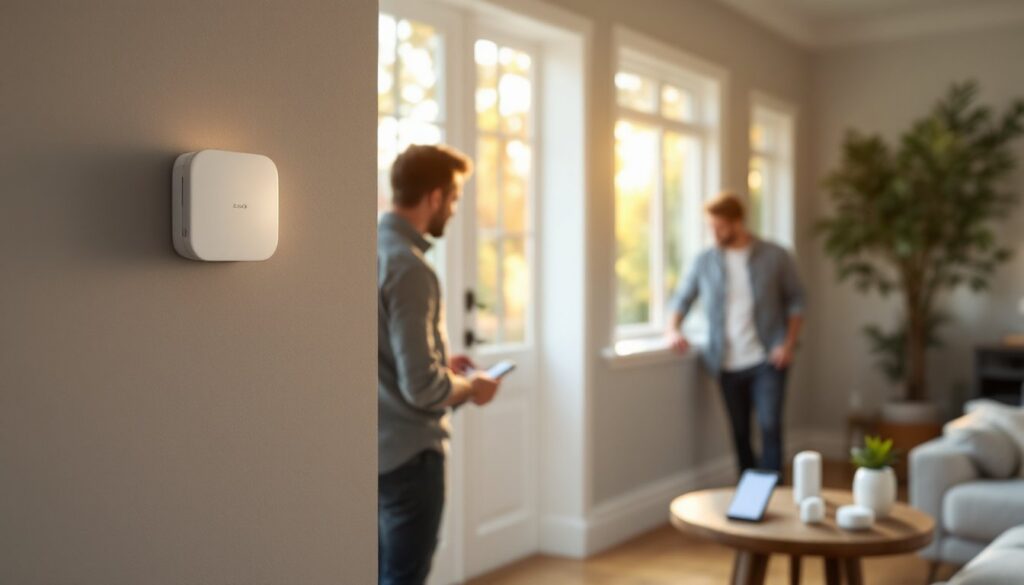
An alarm management system is the hub that coordinates all your home security sensors, dispatches alerts, and, depending on your setup, connects to professional monitoring services. Think of it as the command center: door/window sensors report when they’re opened, motion detectors watch for unexpected movement, and the panel receives it all in real time.
The system works by integrating multiple layers of protection. A control panel (sometimes called the hub) processes signals from sensors wired or wirelessly connected throughout your home. When a sensor triggers, say, a window sensor detects glass breakage, the panel records the event and can immediately sound a siren, send you a smartphone notification, or alert a monitoring center. Modern systems also log every event, so you’ve got a timestamped record of who entered when.
These systems typically operate in different modes: armed (monitoring is active), disarmed (sensors are inactive), and “home” mode (perimeter sensors armed, interior motion detectors off so you can move around safely). The panel communicates via your home WiFi, cellular backup, or hardwired phone lines, redundancy matters when security is on the line.
Why You Need a Modern Alarm Management System
Home break-ins happen faster than you’d think. According to law enforcement data, most burglaries take fewer than 10 minutes. A modern alarm management system dramatically raises the stakes for intruders: sirens, notifications to your phone, and the very real possibility of police dispatch combine to make your home a harder target than the unprotected house next door.
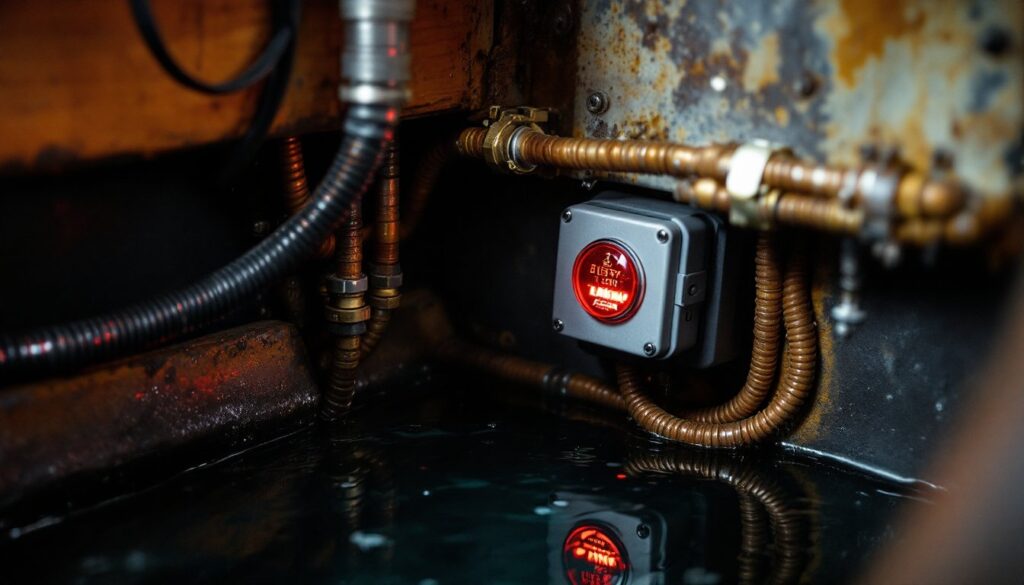
Beyond theft, these systems protect against other threats. A fire sensor alerts you to smoke before it spreads. A water leak sensor in the basement catches a burst pipe at 3 a.m. when you’re asleep. If you’re elderly, a panic button on the keypad lets you call for help instantly. Insurance companies often offer discounts (sometimes 10–20%) if you can prove monitoring is active, so the system actually pays for itself over time.
In 2026, security is no longer optional for homeowners serious about protection. With remote access, you can verify whether that door really closed or if someone actually triggered a motion sensor. The psychological benefit, knowing your home is monitored whether you’re there or across the country, is worth the cost alone. Systems like the Ring Alarm Home Security have made professional-grade protection affordable enough for almost any budget.
Key Features Every Homeowner Should Know
Before you commit to a system, understand what separates a basic setup from a robust one.
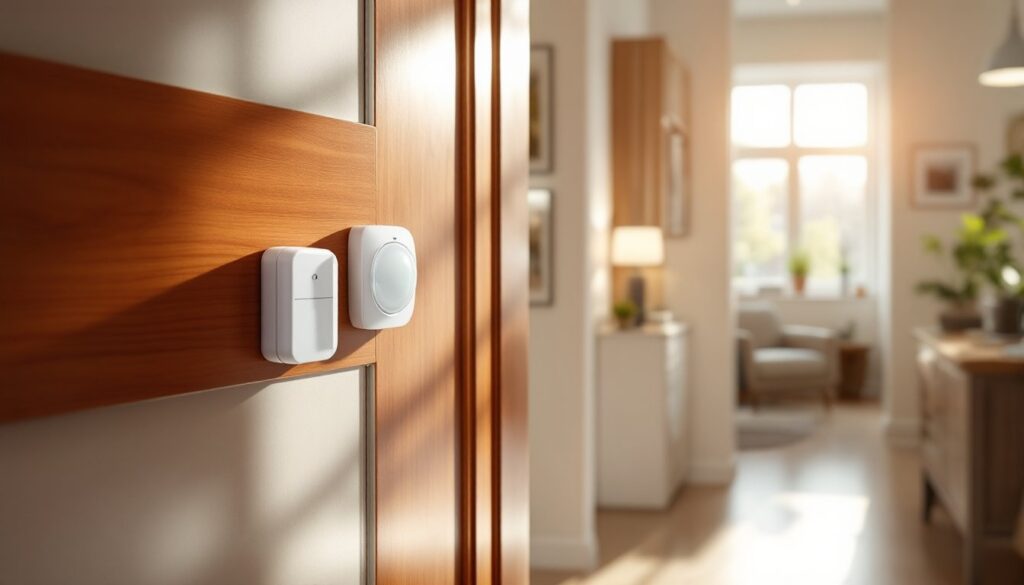
Entry Point Monitoring is foundational. Door and window sensors (usually magnetic contact sensors) detect when openings are breached. Position sensors on all external doors and ground-floor windows: an unmonitored entry point defeats the purpose. These sensors are typically hardwired or wireless and cost $20–$50 per unit.
Motion Detection uses infrared sensors to spot movement inside your home. Pet-immune models are essential if you have animals, standard motion detectors will false-alarm when your cat crosses the room. Expect to pay $30–$80 per sensor, and cover high-value rooms: hallways, living rooms, and bedrooms.
Professional Monitoring is the monitoring service that dispatches police on your behalf. It costs roughly $20–$40 per month. DIY monitoring (you receive alerts and call 911 yourself) saves money but puts the burden on you. Motion Sensor Alarm for Home Security systems often bundle this feature for convenience.
Mobile App Control lets you arm/disarm, check camera feeds, and receive push notifications from anywhere. Ensure the app supports multi-user access so family members can arm before leaving.
Integration with Home Automation is increasingly standard. Your alarm system can trigger smart lights, unlock doors for emergency responders, or adjust thermostats during an alert. This is no longer a luxury, it’s becoming expected.
Battery Backup keeps your system running during power outages. Wireless hubs need 24–48 hours of battery life minimum: hardwired panels should have UPS (uninterruptible power supply) backup.
One more feature to watch: two-way voice on your keypad. If the alarm triggers, the monitoring center can speak to you through your panel to confirm whether it’s a false alarm or a real emergency.
DIY Installation vs. Professional Setup
This decision hinges on your comfort with electronics, time availability, and willingness to troubleshoot.
DIY Installation (wireless systems) is simpler than it sounds. Most wireless systems require zero wiring, you stick sensors on doors and windows with adhesive strips, pair them wirelessly to the hub via the app, and you’re mostly done. Setup typically takes 1–2 hours. The trade-off: you won’t catch installation errors that a pro might catch. Missed sensor placement, interference from thick walls, or misconfigured automations can leave gaps. Wireless systems also cost slightly more upfront because of the hub and sensors, though labor costs are zero.
Professional Installation costs $200–$500 but includes a site survey. A technician identifies vulnerable entry points you might miss, tests sensor range, runs proper network diagnostics, and trains you on the system. If you have a large home, masonry walls (which block wireless signals), or complex automation needs, professional installation pays for itself in peace of mind. Many systems qualify for better insurance discounts if a pro installs and monitors them.
Honest truth: Wired Home Alarm Systems Do It Yourself projects are harder than wireless setups. Wired systems require running cable through walls (often requiring permits), mounting panels near phone lines or electrical panels, and ensuring proper grounding. Unless you’re comfortable drilling, fishing wire, and dealing with electrical codes, hire a professional for wired installations.
Integrating Alarms With Home Automation
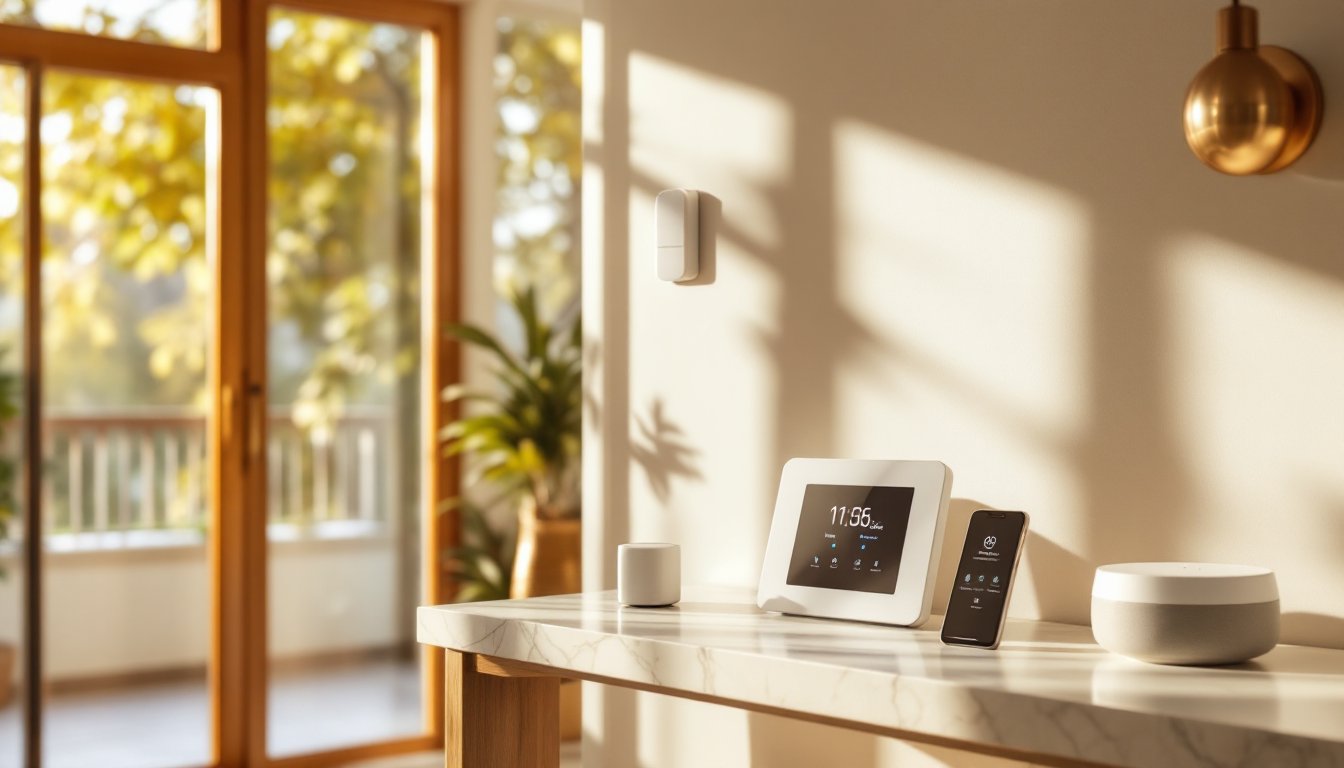
Modern alarm panels can talk to your smart lights, locks, and thermostats. When motion is detected at night, lights can flash or turn on. If a window breaks, a smart lock can engage. During an alert, the thermostat can switch to a safe temperature. Industry leaders in this space offer seamless integration, though not all systems support every device. Check compatibility before buying, a GE Home Security Alarm system, for example, plays well with common Z-Wave and Zigbee devices, while others may require additional hubs. Research what’s actually compatible with your existing or planned smart home ecosystem before committing.
Getting the Most From Your System
Installation is just the beginning. Here’s how to maximize what you’ve invested.
Test Your System Monthly. Arm it in test mode and trigger each sensor to confirm it reports correctly. Many false alarms stem from forgotten sensor placement or dead batteries, not system failure. Check sensor batteries every six months.
Create Detailed User Codes. Assign separate PIN codes to family members, guests, and service providers. If your alarm logs access by PIN, you’ll know exactly who disarmed it and when, a huge help if something goes missing.
Layer Your Entry Points. Don’t rely solely on the front door. Burglars know to avoid main entrances: they target side doors, garage entries, and basement windows. Every external opening should have a sensor.
Use Geofencing (If Available). Many systems can automatically arm when the last person leaves and disarm when the first person arrives. It’s convenient but requires all household members to have the app.
Review Monitoring Plans Annually. Monitoring costs, response times, and services change. Home Security Alarm Systems providers often offer loyalty discounts or updated features. A quick annual check-in with your provider might reveal savings or upgrades you’ve missed.
Document Everything. Keep photos of sensor placements, a list of all entry points, and your system manual in one place. If you move or need tech support, this documentation is invaluable. Some homeowners keep copies with their important documents and insurance papers.
According to reviews on sites like CNET, top-rated systems for 2026 prioritize ease of use and reliability over flashy features. Focus on getting the basics right: solid sensors, responsive monitoring, and clear alerts. Everything else is bonus.
Conclusion
An alarm management system transforms your home from a stationary asset into an actively defended space. Whether you go wireless DIY or hardwired professional, the core job remains: detect threats early, alert you immediately, and stop intruders before they cross your threshold. Start with what you can afford today, but commit to monitoring, a silent alarm is just an expensive ornament. Your home’s security in 2026 depends on it.