
If you’re a homeowner who prefers to skip the expensive professional installation and handle security setup yourself, SimpliSafe alarm systems are built for exactly that mindset. Unlike traditional hardwired systems that require a licensed electrician and often eat into your renovation budget, SimpliSafe operates on a wireless, modular approach, think of it as the Lego of home security. You can install it yourself in an afternoon, move sensors around as your home layout changes, and ditch the year-long contracts that lock you in. For DIY enthusiasts and homeowners tired of complicated setups, SimpliSafe delivers reliable, affordable protection without the contractor headaches.
Table of Contents
ToggleKey Takeaways
- SimpliSafe alarm systems offer wireless, self-installed home security that eliminates expensive professional installation and long-term contracts, making them ideal for DIY homeowners.
- The modular design allows you to install a basic system in 1–2 hours with no technical expertise, add sensors as needed, and take the system with you if you move.
- Monthly monitoring costs $10–20 for professional 24/7 monitoring or free for self-monitoring, with no penalties for canceling anytime—unlike traditional systems requiring 2–3 year commitments.
- SimpliSafe’s wireless sensor network covers roughly 100 feet indoors, includes real-time mobile app notifications, and offers flexible modes (Away, Home, Sleep) tailored to your lifestyle.
- Cellular backup ensures your security remains active even if your internet goes down, and sensor batteries last 2+ years, reducing ongoing maintenance needs.
- SimpliSafe works best for homes with 4–10 entry points and rental-friendly properties, though large estates with 15+ doors may benefit from exploring traditional wired alternatives.
What Is SimpliSafe and Why It’s Perfect for DIY Homeowners
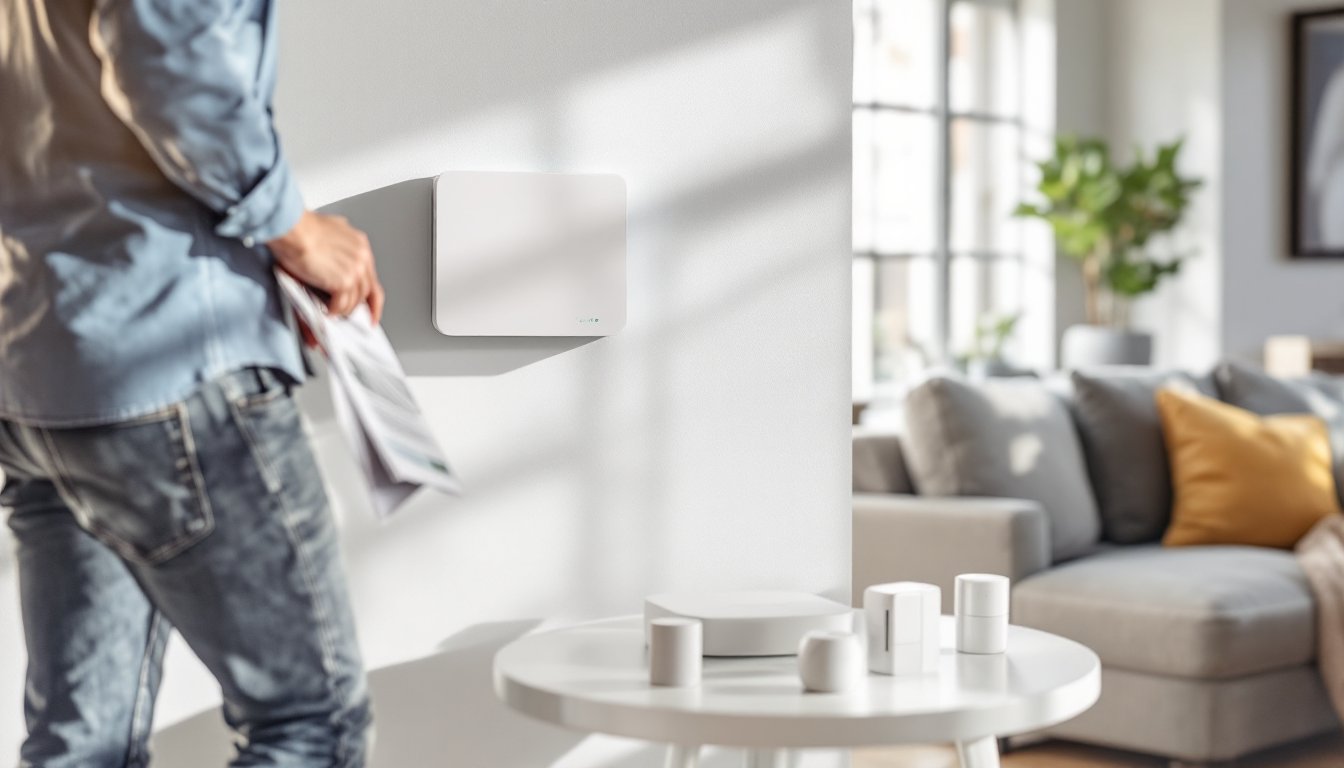
SimpliSafe is a wireless, self-monitored home alarm system designed to work straight out of the box with zero installation nightmare. The core components, a base station (your hub), door and window sensors, motion detectors, and optional cameras, communicate via a closed wireless network, eliminating the need to run cable through walls or call an electrician. When a sensor is triggered, the system alerts you via smartphone app or connects to a professional monitoring center (optional). For homeowners, this means you’re not buying into a contract with a security company that shows up on your timeline, you own the hardware and control the monitoring choice.
The appeal to the DIY crowd isn’t just convenience: it’s control. You decide which doors and windows get sensors, where motion detectors go, and whether you want professional 24/7 monitoring or self-monitoring. There’s no “we can only install next Thursday between 2 and 6 p.m.” argument. Setup takes roughly 30 minutes for a basic system, and if you move, you can pack it up and reinstall in your next home. Unlike wired home alarm systems that become permanent fixtures, SimpliSafe adapts to your lifestyle.
Key Features That Set SimpliSafe Apart
Wireless sensor network. Every sensor, door/window contacts, motion detectors, and smoke alarms, connects to the base station via encrypted wireless signals at a range of roughly 100 feet indoors. No running cables behind drywall, no drilling through studs. If a sensor loses signal, the base station alerts you immediately.
Mobile app and real-time notifications. You get push alerts on your phone when doors open, motion is detected, or the system is armed/disarmed. This matters when you’re at work and need to confirm whether that motion alert is your kid home from school or an actual intruder.
Flexible monitoring options. Choose professional monitoring (24/7 operator response) or go full DIY with self-monitoring. Professional plans typically run $10–20 monthly: self-monitoring is free but means you’re on the hook to call police if the system triggers.
Modular expandability. Start with a door/window package and add motion sensors, cameras, or even a video doorbell later as your security vision grows. The system supports up to 150+ devices, so you’re not locked into a fixed package.
HD cameras and video integration. Optional indoor and outdoor cameras record footage when motion is detected or when you arm the system. Video clips sync to the app and local storage options, so you’re not entirely dependent on cloud servers.
24-month battery backup on sensors. Door/window sensors run on long-life batteries, a solid margin before you need to think about replacements. The base station also backs up on battery for a few hours during power loss, so an outage doesn’t disarm your home.
Installation and Setup: A Beginner-Friendly Breakdown
Installation assumes zero technical expertise. Here’s the honest breakdown:
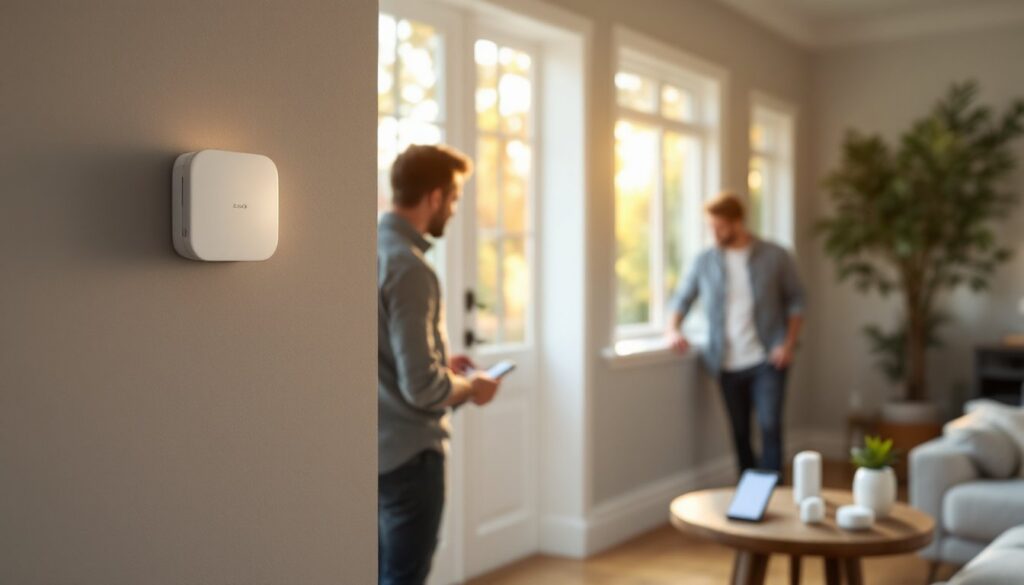
Step 1: Unbox and position the base station. Place it centrally in your home, typically near an internet router. The base needs WiFi connectivity and a phone line or cellular backup connection (cellular is optional but recommended). Plug it in and let it boot up. Takes 2 minutes.
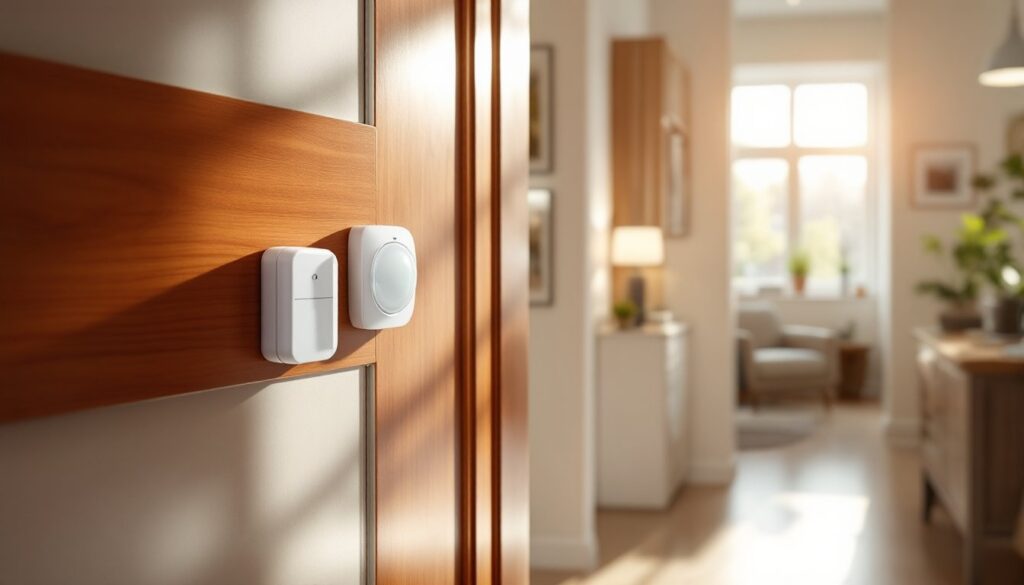
Step 2: Install sensors on entry points. Door and window sensors come as two-piece units: a thin transmitter and a thin receiver. Mount the transmitter on the door/window frame and the receiver on the door/window itself, keeping them aligned and close (within 1/2 inch). They use peel-and-stick backing or small screws, no carpenter’s skill required. Standard entry doors, sliding glass doors, and double-hung windows all work the same way.
Step 3: Place motion detectors strategically. Motion sensors cover roughly a 30–40 foot range depending on the model. Mount them at corners pointing into open living spaces, avoiding direct sunlight and vents that cause false triggers. Most DIYers hang them 5–6 feet high on a wall or shelf.
Step 4: Download the app and add devices. The app walks you through syncing each sensor to the base station via a simple pairing process. Name each device (“Front Door,” “Back Bedroom Window”) for clarity.
Step 5: Test the system and set armed/disarmed modes. SimpliSafe lets you create custom arm modes: “Away” (all zones active), “Home” (perimeter only, so interior motion doesn’t trigger), and “Sleep” (select zones). Test each sensor by opening doors/windows and walking through motion zones to confirm they register.
Total time: 1–2 hours for a basic 4-door, 2-window, 2-motion setup. No permits, no licensed installer, no waiting for availability. That’s the DIY appeal. A motion sensor alarm for home security works best when placed thoughtfully, and SimpliSafe’s flexibility lets you optimize placement without contractor friction.
Cost and Monitoring Options Explained
Hardware costs. Base system (hub + 4 door/window sensors + 1 motion detector) typically runs $200–250. Add $100–150 per camera if you want video. Sensors are roughly $25–40 each, so scaling up a larger home costs less per zone than you’d expect. Compare that to traditional systems, which charge $500+ for installation alone.
Monthly monitoring. Professional 24/7 monitoring averages $10–20 monthly depending on your region and contract terms. Self-monitoring is free but requires you to respond immediately when alerts come in. Many homeowners hybrid it: self-monitor day-to-day and pay for professional monitoring when traveling.
No long-term contracts. SimpliSafe runs month-to-month monitoring, so you can cancel anytime without penalty. That’s a stark difference from traditional providers locking you into 2–3 year agreements. If you move or decide the system doesn’t fit your needs, you’re not financially trapped.
Hidden costs to know. Cellular backup (recommended for reliability if your WiFi drops) runs $5–10 monthly. Video storage beyond local backup can add $5–10 monthly if you want cloud access. Professional monitoring pricing varies by region, check your local rate before committing. Batteries for sensors last roughly 2 years and cost $5–15 to replace, which is negligible.
Real-World Performance and Reliability
SimpliSafe’s strength is consistency. Independent reviews from CNET and Tom’s Guide consistently note reliable sensor detection, responsive app notifications, and solid build quality. Sensor range holds up well in typical residential layouts: false alarms are rare when motion detectors are mounted away from vents and heat sources.
Cellular backup reliability is the standout feature. If your internet goes down, the system seamlessly switches to cellular (if enabled), keeping monitoring alive. Most DIY homeowners appreciate this because your security doesn’t hinge on ISP uptime.
The wireless network occasionally has dead zones in large homes with thick walls or multiple floors. This isn’t unique to SimpliSafe, any wireless system faces similar physics. Positioning the base station centrally and testing signal strength before finalizing sensor placement solves most issues. If a zone consistently drops signal, moving a sensor a few feet or adding a WiFi extender fixes it.
Battery longevity is real: sensors genuinely last 2+ years between changes, reducing maintenance friction. The base station is hardwired, so uptime is stable unless power fails (hence the battery backup).
Is SimpliSafe Right for Your Home?
SimpliSafe is ideal if you own your home (rental restrictions sometimes apply), want to avoid contracts, and can handle basic DIY setup. It’s perfect for homeowners in apartments or rental houses because systems are fully portable, no landlord approval needed beyond “I’m installing wireless sensors.”
You’ll get solid value if your home has 4–10 entry points and moderate security needs. Large estates with 15+ doors, complex layouts, or existing hardwired infrastructure might justify exploring traditional wired systems, but SimpliSafe handles most residential homes without compromise.
Skip SimpliSafe if you need true hardwired backup (SimpliSafe can’t replicate a hardwired system’s redundancy), live in an area with dead cellular/broadband zones, or demand only professional installation. Also, if you want a system that requires zero thinking, where you install once and forget forever, SimpliSafe requires periodic battery checks and app engagement.
For most DIYers, though, Smith Thompson Home Security and Alarm Houston and similar professional services are comparison points, not necessities. SimpliSafe delivers comparable protection without the contractor dependence or long-term commitment.
Conclusion
SimpliSafe alarm systems strip away the complexity and cost of traditional home security. You get professional-grade sensors, real-time notifications, and flexible monitoring, all installed in an afternoon without a contractor in sight. The wireless design, modular approach, and month-to-month flexibility align perfectly with DIY values. If you’re ready to take control of your home security setup and want proof that effective protection doesn’t require year-long contracts or a contractor’s schedule, SimpliSafe is worth the investment.