If you’re serious about protecting your home, you’ve probably heard Brink’s name before, it’s been a fixture in the security industry for decades. A Brink’s alarm system offers 24/7 professional monitoring and a range of equipment designed to detect intrusions, fires, and environmental hazards. But with so many home security options flooding the market, does Brink’s still deliver the value homeowners expect? This review cuts through the marketing to examine Brink’s actual features, pricing, installation process, and whether it’s the right fit for your family’s security needs in 2026.
Table of Contents
ToggleKey Takeaways
- A Brink’s alarm system provides 24/7 professional monitoring with trained operators who actively respond to threats, setting it apart from self-monitoring DIY alternatives.
- Installation costs range from $300–$600 for professional setup, while monthly monitoring fees typically run $30–$60+ depending on your chosen plan and features.
- Brink’s hybrid connectivity using cellular and broadband ensures your alarm system stays operational even if your internet connection fails.
- The system supports flexible equipment options—start with basic sensors and expand later to include cameras, smart locks, and environmental detectors as your budget allows.
- While Brink’s offers proven reliability and solid equipment quality over a century of operation, expect longer contracts (36–60 months) and higher cumulative costs than cheaper DIY alternatives.
What Is Brink’s Alarm and How Does It Work?
Brink’s is one of North America’s oldest security companies, and their alarm systems are built on a straightforward premise: professional monitoring paired with your own hardware to detect threats. When a sensor is triggered, whether it’s a door/window contact, motion detector, or smoke detector, the system alerts the Brink’s monitoring center. The center then attempts to reach you, and if necessary, dispatches emergency services.
The system operates on a cellular or landline connection (depending on your plan), so it doesn’t rely solely on your internet connection, though most modern Brink’s setups now include a broadband option. This dual-connectivity approach means your alarm keeps working even if your Wi-Fi drops or your internet provider has an outage. The hub, the central control panel, communicates with all sensors wirelessly or through hardwired connections, depending on your setup. When compared to wired home alarm systems, Brink’s offers a hybrid flexibility that appeals to both new installers and those retrofitting older homes.
Key Features and Equipment Breakdown
Core Components and Monitoring
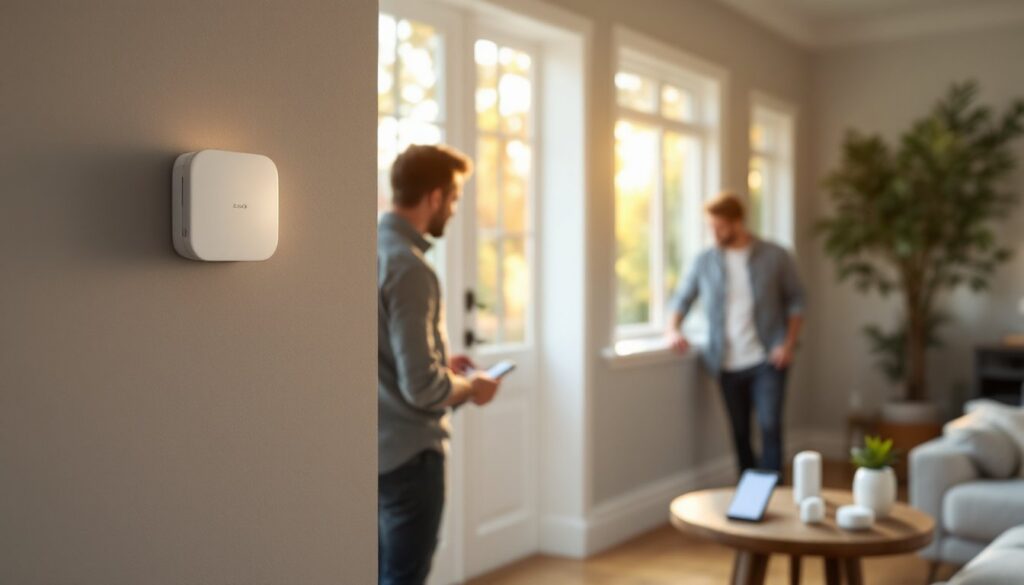
A typical Brink’s system includes a control panel (the hub), door and window sensors, motion detectors, and a keypad. Most plans also incorporate 24/7 professional monitoring, which is where you’re paying for the service, not just the hardware. When a trigger occurs, trained operators at the monitoring center follow a protocol: contact you first, attempt to verify the threat, and dispatch police or emergency services if needed.
Equipment quality is solid. Sensors are reliable, and the control panel interfaces are intuitive, most homeowners don’t need a manual handy after day two. But, the system’s true strength lies in its monitoring network. Unlike DIY systems where you’re relying on app notifications (which require your phone to be charged and connected), Brink’s monitoring center is actively listening 24 hours a day, whether you’re home, asleep, or traveling.
Many Brink’s plans now include optional smart home integration, letting you arm/disarm via app, receive real-time alerts, and view system status remotely. Some higher-tier packages bundle smart locks, cameras, and environmental sensors (temperature, humidity, water detection). This modular approach lets you start simple and expand later. That said, professional reviews across CNET highlight that Brink’s equipment, while dependable, isn’t cutting-edge in terms of aesthetics or latest tech: it’s utilitarian and proven.
Pricing and Plan Options
Brink’s pricing varies significantly based on your location, the monitoring plan, equipment bundle, and installation type. Expect to pay a one-time equipment and installation fee (typically $300–$600 for professional install, less if you opt for DIY), plus a monthly monitoring fee.
Monitoring plans generally range from $30 to $60+ per month, depending on the level of service and features you select. Entry-level plans include basic 24/7 monitoring: mid-tier adds smart home features and app control: premium tiers bundle cameras, smart locks, and environmental monitoring. Some plans require a contract (often 36 or 60 months), while others offer month-to-month flexibility at a higher rate.
Compare this to competitors: Ring Alarm Home Security systems often cost less upfront but may charge separately for professional monitoring if you want it. GE Home Security systems offer a middle ground. The catch with Brink’s is that professional monitoring, their core value, does cost more than self-monitoring DIY alternatives. But, if peace of mind from 24/7 professional oversight is your priority, that extra cost is worth considering.
Installation and Setup for DIY Homeowners
Brink’s offers both professional installation and DIY options. Professional installation means a licensed technician handles placement of sensors, panel hardwiring (if applicable), and system programming, takes 2–4 hours typically. DIY installation is cheaper and appeals to handy homeowners comfortable with basic tool use and following instructions.
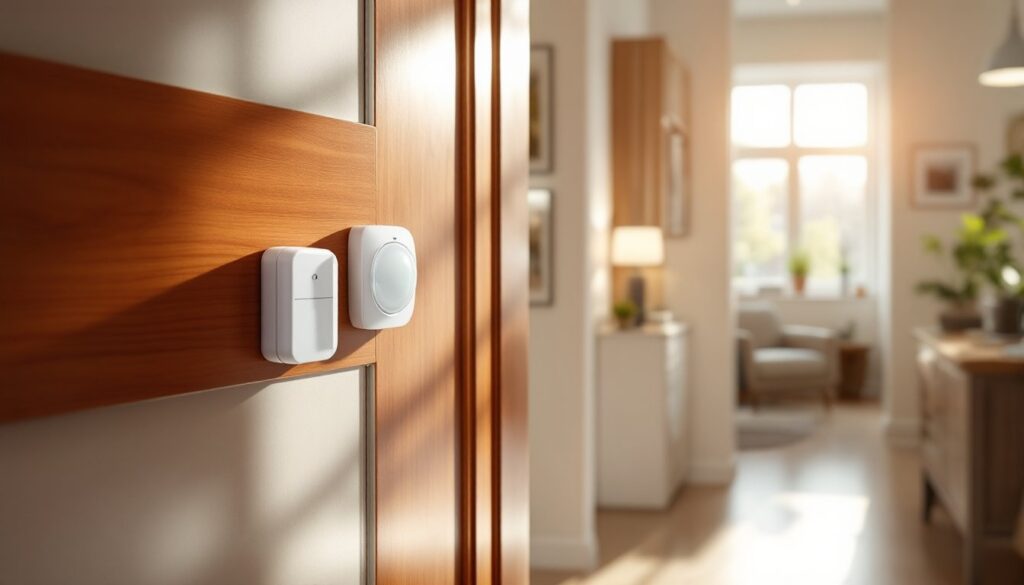
If you’re installing yourself, the process is manageable. You’ll mount door and window sensors on frames using provided adhesive strips or small screws (no structural drilling needed). Mount the hub in a central location with power access. Place motion detectors in high-traffic areas, avoiding direct sunlight and heat sources. Most modern Brink’s systems use wireless sensors, so you’re not running cable, a huge advantage over older wired systems.
The trickiest part is usually deciding placement. Sensors should cover entry points (front/back doors, ground-floor windows), and motion detectors should monitor main living areas while accounting for pets. Read the manual thoroughly: improper placement (like a motion detector facing a sunny window) causes false alarms. If you’re uncomfortable with any step, Brink’s customer service is typically responsive, and professional installation isn’t prohibitively expensive. Remember that even if you install the hardware yourself, you’ll still be paying for professional monitoring, the real service, so there’s no penalty for choosing DIY install if you’re confident.
Pros and Cons: What Homeowners Should Know
Pros:
- 24/7 professional monitoring is the standout. Your system is actively watched by trained operators, not just by an app on your phone.
- Proven reliability. Brink’s has been in business for over a century: their infrastructure and protocols are battle-tested.
- Flexible equipment options. You can start minimal and add cameras, smart locks, or environmental sensors as budget allows.
- Hybrid connectivity. Cellular and broadband backup means your system doesn’t die if internet fails.
- Reasonable equipment quality. Sensors are reliable and don’t require constant battery replacement or fussing.
Cons:
- Higher monthly costs. Professional monitoring adds up: over three years, you’re looking at $1,000–$2,000+ in monitoring fees alone.
- Longer contracts. Many plans lock you in for 36–60 months, which is a commitment if you move or change priorities.
- Limited smart home ecosystem. Compared to Smith Thompson Home Security solutions, Brink’s isn’t as deeply integrated with popular platforms like Google Home or Alexa (though this varies by plan).
- Equipment aesthetics. If your home is modern and minimalist, Brink’s panels and sensors look institutional. Digital Trends notes this dated appearance as a frequent criticism.
- Installation fees add up. Professional install can run $300–$600, though DIY saves this cost if you’re handy.
- False alarm fees. Most jurisdictions charge for police response to false alarms: Brink’s system reliability helps here, but user error (forgetting the code) still happens.
Conclusion
A Brink’s alarm system is a solid choice if you prioritize professional 24/7 monitoring and want a trusted, established provider. It’s not the flashiest or cheapest option, but it delivers on its core promise: active monitoring and rapid emergency response. For families who value around-the-clock professional oversight over cutting-edge tech or minimal cost, Brink’s remains competitive. Compare quotes, ask about current promotions, and don’t hesitate to request a trial period before committing to a long-term contract. Your home’s security deserves a system you’re confident in, whether that’s Brink’s or another option that fits your budget and lifestyle.