
Fire safety isn’t glamorous, but it’s non-negotiable. Most homeowners rely on traditional smoke detectors, but an automatic fire alarm system takes protection a step further, monitoring your home 24/7 and alerting you the moment a fire is detected, often before you’d notice the smell or sight yourself. Unlike basic battery-powered detectors gathering dust on your ceiling, a properly installed automatic fire alarm system integrates detection and alert mechanisms throughout your home, reducing response time and potentially saving lives. Whether you’re building new, renovating, or upgrading an older home, understanding how these systems work and what your home actually needs will help you make decisions that match your real risk and budget.
Table of Contents
ToggleKey Takeaways
- An automatic fire alarm system monitors your home 24/7 with interconnected detectors and a control panel that can alert occupants and dispatch fire services faster than standalone detectors.
- Smoke detectors work best in bedrooms and living areas, while heat detectors prevent nuisance alarms in kitchens, and proper placement at least 10 feet from cooking appliances can reduce fire fatality risk by roughly 50 percent.
- Monitored automatic fire alarm systems provide professional emergency response backup and often qualify for insurance premium discounts of 10–15 percent, potentially offsetting installation and monitoring costs within a few years.
- Choose between hardwired systems (more reliable for larger homes but requiring professional installation) and wireless systems (easier DIY installation) based on your home’s layout, construction, and whether you want centralized battery management.
- Regular maintenance—monthly system tests, annual wireless detector battery replacements, and quarterly sensor inspections for dust—ensures your automatic fire alarm system remains code-compliant and effective.
What Is an Automatic Fire Alarm System?
An automatic fire alarm system is a network of sensors, control panels, and notification devices designed to detect fire signatures, heat, smoke, or flame, and trigger an alert without human input. Unlike a standalone smoke detector that beeps locally, a complete system can notify multiple occupants, log events, and communicate with monitoring services or fire departments.
These systems fall into two main categories: monitored and unmonitored. A monitored system connects to a central station that dispatches fire services when an alarm triggers: an unmonitored system alerts household members only. Both types meet residential fire codes, though a monitored system provides professional response backup and can satisfy insurance requirements in some regions.
Residential automatic fire alarm systems are less complex than commercial ones, but they still involve interconnected detectors, a control panel, and wiring or wireless protocols. Building codes, especially the International Residential Code (IRC), require certain homes to have interconnected detectors: check your local jurisdiction’s requirements before planning your installation, as some retrofit projects may need permits.
How Automatic Fire Detection Works
Smoke Detection Technology
Smoke detectors remain the workhorse of home fire protection, and they come in two types: ionization and photoelectric. Ionization detectors use a small radioactive source to ionize air particles: smoke disrupts this ionization, triggering the alarm. They’re sensitive to flaming fires with little smoke. Photoelectric detectors use a light beam: smoke scatters the beam onto a sensor, triggering the alarm. They’re better at detecting smoldering, smoky fires.
Both types have merit, and modern practice recommends installing dual-sensor detectors in each location, they catch both fire types. In an automatic system, these detectors wire back to a control panel that processes signals and coordinates alerts across all devices.
One practical note: smoke detectors must be positioned correctly. Install them in hallways near bedrooms, on each level of your home, and inside bedrooms. Keep them at least 10 feet from cooking appliances to avoid false alarms: many DIYers overlook this detail and disable detectors out of frustration. According to guidelines from fire safety organizations, properly placed detectors reduce fatality risk by roughly 50 percent.
Heat and Flame Sensors
Heat detectors activate at a fixed temperature, usually 135°F or 155°F, and are ideal for kitchens and workshops where smoke is common. They’re slower than smoke detectors but eliminate nuisance alarms from cooking.
Flame detectors (infrared or ultraviolet sensors) respond to the light signature of actual flames, making them useful in garages or other areas where fire risk is high but smoke may be delayed. These are less common in standard residential installations but appear in some whole-home systems or high-risk zones.
An integrated approach, smoke in bedrooms and living areas, heat in the kitchen, flame detection in high-risk zones, creates redundancy. The control panel processes signals from all sensor types and triggers notification devices (sirens, strobe lights, or phone alerts) simultaneously, compressing response time from minutes to seconds.
Benefits of Installing Automatic Fire Alarms
The most obvious benefit is early warning. Automatic systems detect fire in its early stages, often while it’s still containable, giving your household critical minutes to evacuate safely. Sleeping residents are at highest risk: a loud alarm (typically 85 decibels or louder) reaches even deep sleepers, while a single smoke detector in a distant part of the house may not.
Monitored systems add a second layer: the central station can dispatch fire services even if your household doesn’t answer the phone or misses the alert (elderly residents, hearing impairment, or simply being outside all come into play). Many insurance companies offer premium discounts, often 10–15 percent, for monitored fire alarm systems, potentially offsetting installation and monitoring costs within a few years.
Automatic interconnection also simplifies your life. Instead of testing a dozen detectors individually, you test the system once. Battery replacement is often centralized (or the system uses a backup battery in the panel rather than many individual 9V batteries). Some modern systems integrate with your home security system or send smartphone alerts, letting you check status remotely, useful if you’re away and a neighbor notices a roof leak or water damage that might trigger a false alarm.
From a code perspective, many jurisdictions now require interconnected detectors in new construction or major renovations, so installing an automatic system puts you ahead of compliance rather than scrambling later.
Choosing the Right System for Your Home
Start with your home’s layout and existing infrastructure. A single-story, modest home might function well with a wireless system, detectors and a central panel talk via radio signals, avoiding the need to run cable through walls. Larger homes or those with dense insulation or metal studs may require hardwired systems (copper cable, typically 22-gauge or similar) for reliable signal. A hardwired system is also more permanent and doesn’t depend on battery life in individual devices, though it requires more installation labor.
Consider whether you want professional monitoring. A DIY unmonitored system costs $200–$600 for sensors, wiring, and a control panel: monitored service adds $15–$40 monthly. The monitoring decision hinges on your lifestyle: if you travel, have elderly family members at home, or live in a remote area where fire response time is slow, monitoring justifies the cost.
Sensor selection matters too. In a bedroom-centric layout, prioritize smoke detectors: in a kitchen, add heat detectors. Some systems let you mix sensor types on one panel, so you’re not locked into a single manufacturer. That said, most residential systems use a single brand’s ecosystem for reliability and support.
Before buying, check wired home alarm systems or wireless options based on your home’s age and construction. Newer smart systems integrate with home automation platforms, offering convenience but requiring more setup. Don’t assume wireless is automatically easier, older homes with thick plaster walls sometimes struggle with radio penetration, while new builds with open layouts handle wireless cleanly.
Do you have the skills to install it yourself? Hardwired systems require drilling, cable routing, and control panel programming, manageable for someone handy with drywall and basic electrical work, but not trivial. Wireless systems are simpler, though you still mount detectors and configure the panel. If structural work or running cable through a finished wall is required, consider hiring an alarm specialist: the labor cost typically runs $500–$1,500, but you avoid damage and ensure code compliance.
Installation and Maintenance Basics
Safety first: Before starting, turn off power to any hardwired components at the breaker and verify power is off with a multimeter. If the system is monitored, notify the monitoring company that you’re testing or installing, you don’t want a false alarm call-out.
For hardwired systems, plan your cable routes before drilling. Run cable through joists and studs where possible, securing it with clamps every 16 inches. Drill pilot holes to avoid hitting existing wiring or plumbing: use a stud finder to locate obstructions. The control panel typically mounts in a central, accessible location, a hallway closet, utility room, or garage.
For wireless systems, mount detectors and the panel according to the manufacturer’s layout diagram, usually ensuring line-of-sight (or near line-of-sight) communication between devices. Test range before finalizing placement, walk outside your home with a detector to verify signal strength.
Once installed, label each detector’s location on the control panel for quick troubleshooting. Test the system monthly by pressing the test button on each detector: the panel should log the event. Replace batteries in wireless detectors annually (autumn, when clocks fall back, is a good reminder). Never disable a detector because of nuisance alarms, instead, relocate it away from kitchens or workshop dust, or switch to a heat detector in problem areas.
Inspect detectors quarterly for dust, debris, or insects blocking the sensor. A vacuum hose with a soft brush attachment clears dust gently. Hardwired systems may have built-in self-monitoring: check your panel’s log quarterly for missed tests or communication faults. If a detector stops communicating, verify batteries (wireless) or check for loose connections (hardwired) before assuming failure.
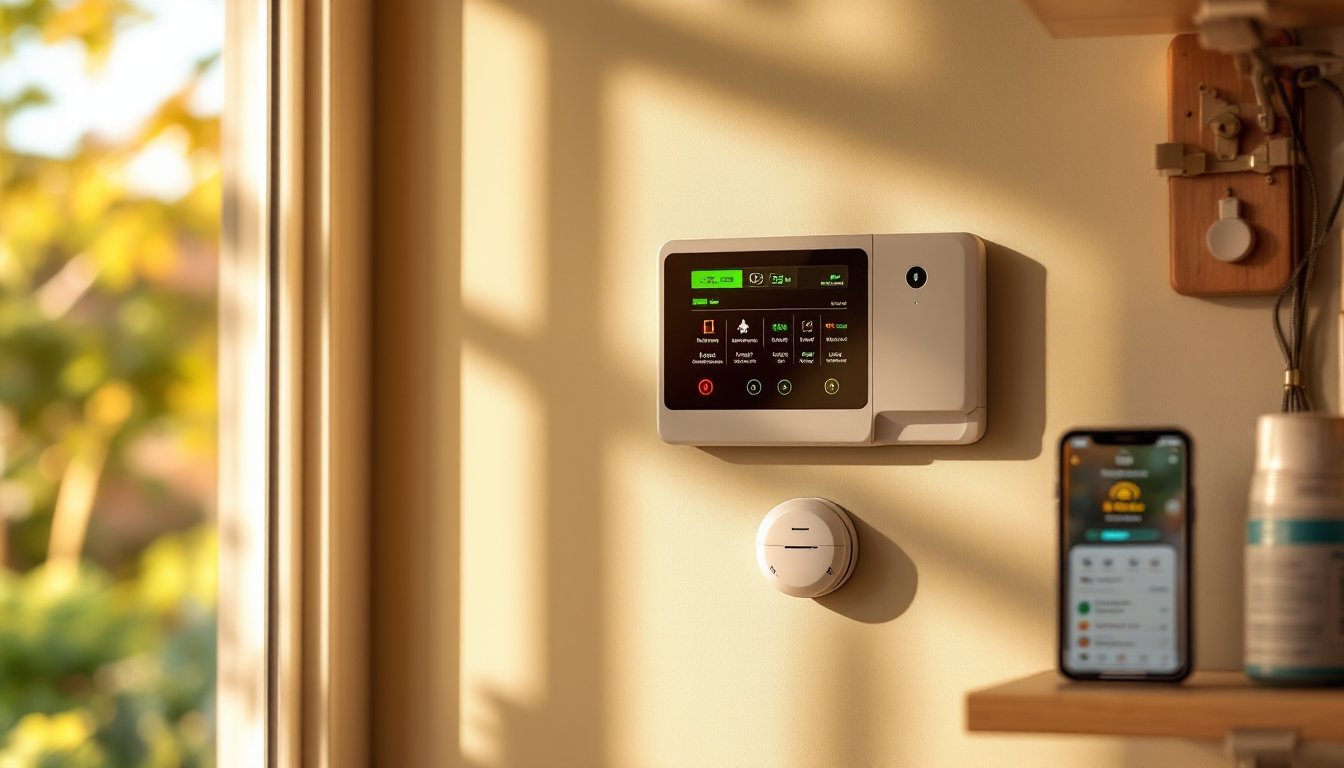
Modern systems with smart integration, like those reviewed on CNET and Digital Trends, offer app-based testing and notifications, which reduce the mental load of manual checks. Whatever system you choose, fire-smart design principles matter too: fire-smart house design strategies emphasize detection paired with defensible space and material choices that slow fire spread.