
Home security doesn’t have to feel like installing a Fort Knox system. The Brink alarm system has emerged as a practical option for homeowners who want solid protection without the complexity of older systems. Whether you’re securing a single-story ranch or a sprawling multi-floor home, Brink offers flexibility in installation and monitoring that appeals to both DIY-minded homeowners and those preferring professional setup. This guide walks you through what Brink delivers, how it stacks up against alternatives, and whether it’s the right fit for your family’s security needs.
Table of Contents
ToggleKey Takeaways
- Brink alarm systems offer wireless, DIY-friendly home security without drilling or permits, making installation straightforward for most homeowners with basic Wi-Fi connectivity.
- 24/7 professional monitoring ($20–$40/month) provides rapid police response within minutes, delivering the peace of mind that deters most burglars more effectively than alarms alone.
- The Brink security system integrates with popular smart home platforms, allowing you to automate lighting, locks, and thermostat actions when your alarm arms or trips.
- Transparent pricing ($500–$700 for a basic setup) with no long-term contracts lets you start small, test the system, and add sensors gradually without early-termination penalties.
- Brink works best for homeowners with reliable broadband (5 Mbps+) and comfort using smartphone controls; wired alternatives may suit those in areas with poor internet or preference for traditional hardware interfaces.
What Is The Brink Alarm System?
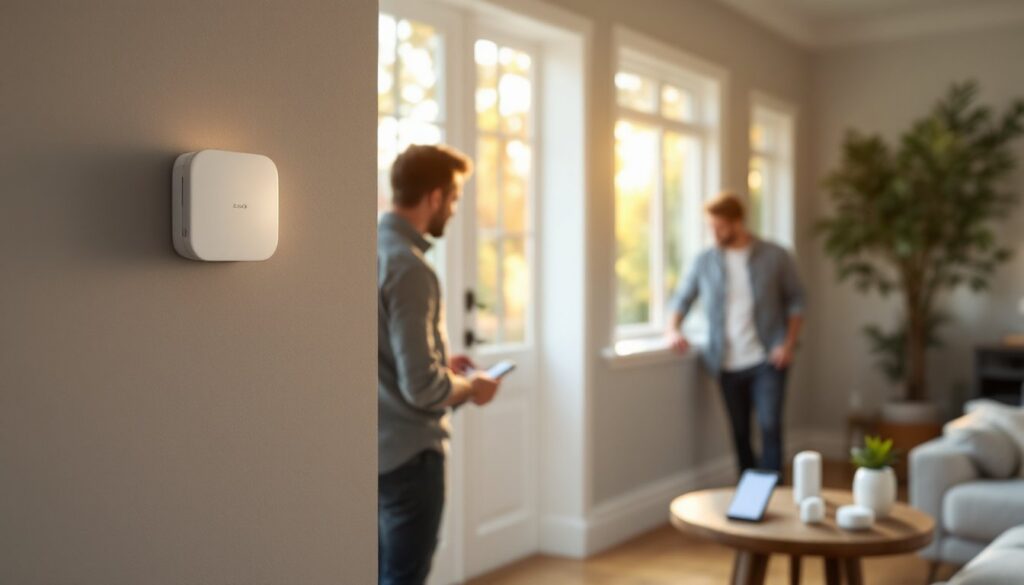
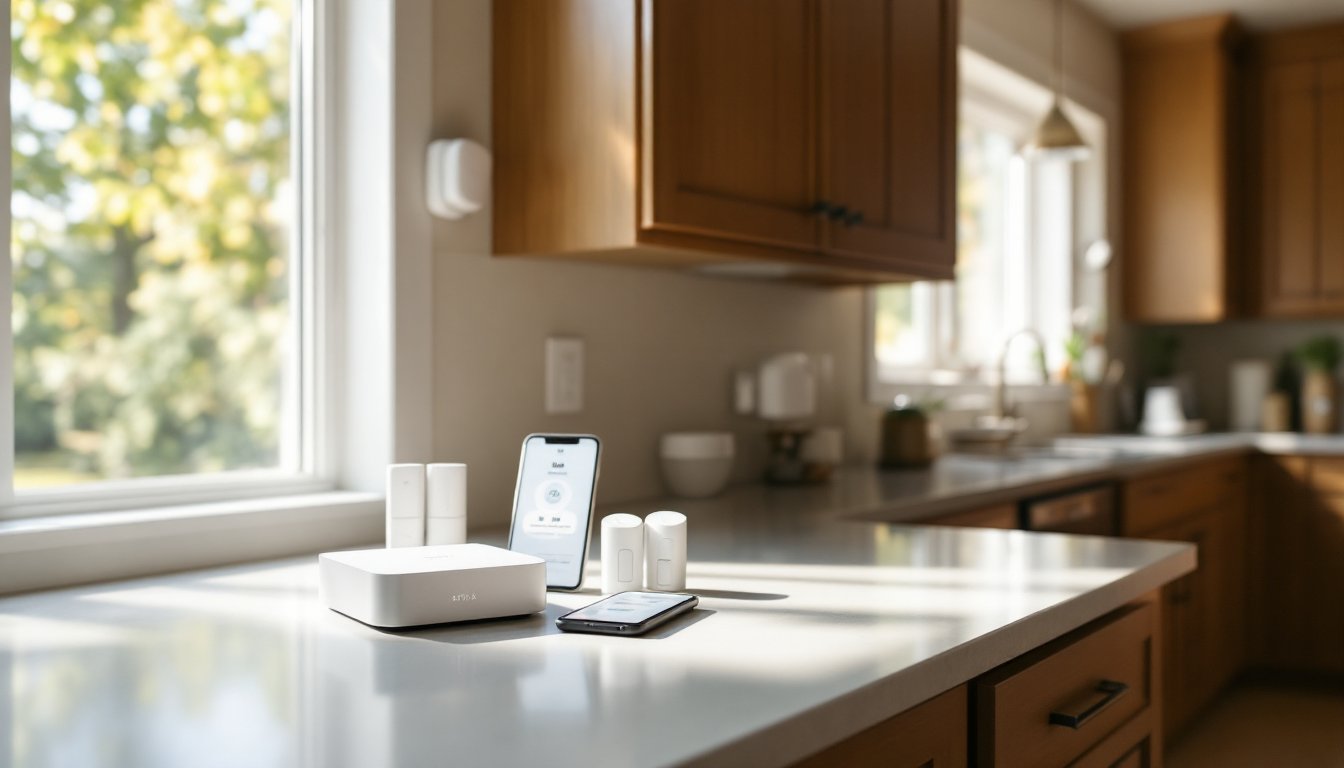
Brink is a home security platform combining wireless sensors, a control hub, and professional monitoring into one ecosystem. Think of it as the security equivalent of a reliable hybrid, it works whether you’re present or away, and it communicates with you in real time. The system uses a hub unit (roughly the size of a small speaker) that connects to your broadband internet, then pairs with door/window sensors, motion detectors, and optional glass-break sensors throughout your home.
Unlike older hardwired alarm systems that required running cables through walls and drilling holes (a job that often demands permits and professional electricians), Brink runs almost entirely on wireless connections. The sensors use a proprietary frequency to talk to the hub, so interference and range issues are minimal in typical home layouts.
The backbone of Brink’s appeal is its hybrid approach. You can arm or disarm the system from your smartphone, respond to alerts in real time, and customize how each zone behaves. If your front door opens, you might want the system to sound an alarm immediately, but if your garage door opens, you might prefer a delay so you have time to punch in a code. That flexibility matters when you’re managing a household with kids, deliveries, and the occasional forgotten garage opener.
Key Features Of Brink Security Systems
24/7 Professional Monitoring And Response
Brink pairs its hardware with optional 24/7 professional monitoring, which is where the real value emerges for many homeowners. When a sensor trips and your alarm sounds, Brink’s monitoring center receives the alert within seconds. A trained operator can listen through the hub’s two-way voice capability, attempt to reach you by phone, and contact local emergency services if needed.
This matters because a loud siren deters some burglars, but a police response deters most. The monitoring subscription typically costs $20–$40 per month depending on the tier you choose, and response times are measured in minutes rather than hours. Many homeowners find this peace of mind worth the cost, especially if they travel or keep valuable equipment at home.
Smart Home Integration Capabilities
Breink isn’t locked into its own ecosystem. The system integrates with popular smart home platforms like Sabre Wireless Motion Sensor and other connected devices. You can create automation rules, for instance, when the alarm arms, your smart lights turn off, your door locks engage, and your thermostat shifts to away mode.
Many homeowners also pair Brink with GE Home Security Alarm systems to layer protection. That interoperability means Brink doesn’t force you to rip out existing smart home hardware. If you’ve already invested in a particular ecosystem, Brink plays reasonably well with others.
Installation Options For DIY And Professional Setup
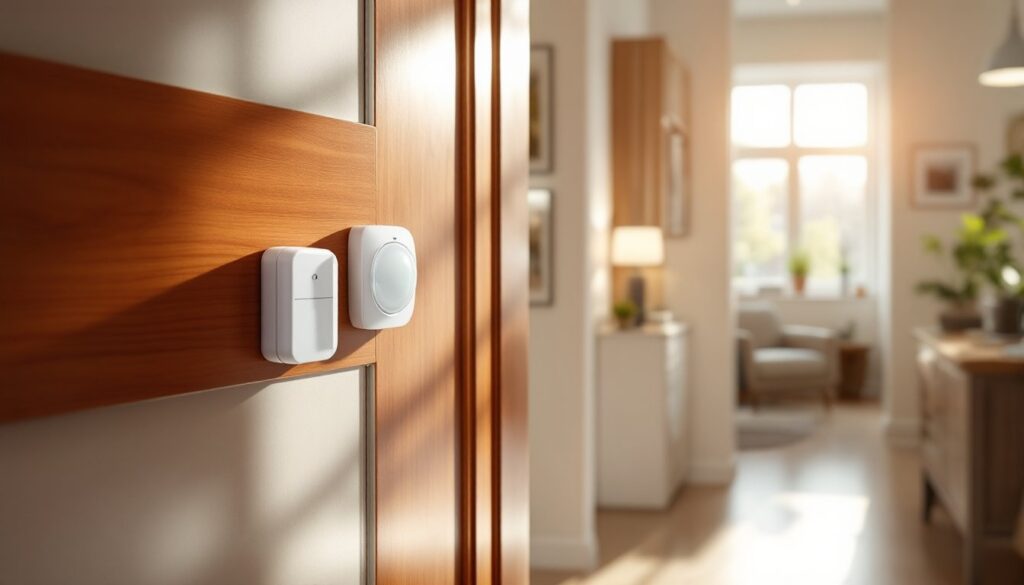
Brink’s biggest strength for DIYers is that it’s genuinely DIY-friendly. Assuming your home has decent Wi-Fi coverage (which we’ll circle back to), you can unbox the hub, download the app, and have sensors on doors and windows within an hour. No drilling into studs, no fishing cables through walls, no pulling permits. The sensor placement is straightforward: stick them on the inside of your door or window frame so the magnet aligns with the sensor when closed.
Wireless sensor placement is simpler than wired systems, but you’ll still want to think about coverage. A motion sensor in your upstairs hallway needs a clear path to the hub in your living room, thick concrete or metal studs can degrade wireless range. Test placement before finalizing mounting: most sensors have a test mode that shows signal strength right in the app.
If you prefer professional installation, Brink partners with local technicians in many regions who will handle placement, integration with your Wi-Fi, and monitoring account setup. This typically costs $200–$500 as a one-time fee but saves you troubleshooting time. Many homeowners split the difference: they install sensors themselves on visible entry points (doors, windows) and hire a professional to integrate outdoor cameras or glass-break sensors that require more finesse.
One practical note: Brink’s wireless approach doesn’t require permits in most jurisdictions because you’re not modifying your electrical system. That’s a huge advantage over hardwired systems, though always check with your local building department if your home has specific security requirements.
Pricing And Plan Flexibility
Brink’s pricing is refreshingly transparent, which is unusual in the alarm industry. The hub unit typically costs $200–$350 depending on current promotions, and individual sensors (door/window contacts, motion detectors, glass breaks) run $30–$80 each. A modest setup protecting main entry points, front door, back door, garage entry, and one main-floor motion sensor, usually totals $500–$700 before monitoring fees.
Monitoring plans are optional but recommended. Plans typically range from $15–$40 per month, with higher tiers offering faster response, video verification (where operators can see a live feed from your connected camera), or integration with emergency services. Some plans include automatic alerts to your phone: others require you to manually dismiss alerts from the app.
According to Brink’s Home Security review, pricing is competitive with Ring Alarm and other consumer-grade systems, though Smith Thompson Home Security in Dallas may offer different regional options. The upfront hardware cost is low enough that you can start small, protect your main entry, live with it for a month, and add more sensors if you want them.
Many homeowners appreciate Brink’s no-contract flexibility. You’re not locked into a three-year monitoring agreement: you can pause or cancel monthly with a short notification. That’s a genuine departure from traditional alarm companies, which often require hefty early-termination fees.
Is Brink Right For Your Home?
Brink shines if you’re in one of these situations: you want wireless simplicity, your home has solid Wi-Fi coverage, you’re comfortable with app-based controls, and you value flexibility over long-term contracts. It’s also ideal if you’re renting and want a system you can take with you, the sensors stick on, they don’t require permanent installation.
Brink is less ideal if your home has poor broadband (the hub absolutely needs reliable internet), you prefer hardware control over smartphone interaction, or you’re in a region where a local alarm company already has deep roots and better response times. Wired Home Alarm Systems systems might suit you better if you’re comfortable with installation work and want hardened backup in case of internet outage.
For most suburban and urban homeowners, Brink represents a good middle ground, modern enough to integrate with smart home systems, affordable enough to deploy across a whole home, and simple enough that you don’t need a technician to troubleshoot a tripped sensor at 2 a.m. Ring Alarm Home Security and Home Security Alarm Systems offer comparable ecosystems, so compare features and monitoring response times specific to your area.
Before committing, verify your internet speed and uptime with your provider, Brink’s hub needs a stable connection, ideally 5 Mbps or higher. Test Wi-Fi signal strength where you plan to place the hub and your furthest sensor. A quick site survey now prevents frustration later.