
Home security has shifted dramatically over the past decade. Gone are the days when landline-dependent systems were your only option, today’s cellular alarm systems offer flexibility, reliability, and independence from internet outages that traditional wired setups simply can’t match. Whether you’re protecting a suburban home, a remote property, or anywhere in between, a cellular alarm system keeps you connected to professional monitoring and instant alerts, no matter what. If you’re considering upgrading your home security or installing a system for the first time, understanding how cellular technology works and why it matters can help you make a confident choice that fits your needs and budget.
Table of Contents
ToggleKey Takeaways
- A cellular alarm system uses cellular networks (4G LTE or 5G) to communicate with monitoring centers, eliminating dependence on landlines or internet and providing protection even during outages.
- Cellular systems offer superior reliability and flexibility compared to traditional landline setups by avoiding phone line cuts and reducing installation costs and time.
- Verify your area has adequate cellular coverage before purchasing, and consider professional installation or a site survey if you have weak-signal zones, thick walls, or multiple floors.
- Look for systems with 24/7 professional monitoring from UL-listed centers, smartphone integration, 24–48 hours of battery backup, and dual-network redundancy as essential features.
- Total first-year costs range from $600–1,500 (hardware plus monitoring), with long-term savings through insurance discounts and elimination of landline fees offsetting expenses within 2–3 years.
- A security audit of your home’s entry points and structural features takes 30 minutes and prevents budget surprises by identifying additional hardware or professional setup needs.
What Is A Cellular Alarm System And How Does It Work
A cellular alarm system is a home security setup that uses cellular networks to communicate with professional monitoring centers instead of relying on a landline or broadband internet connection. When a sensor detects unauthorized entry, motion, fire, or other threats, the system transmits a signal over the cellular network, typically using 4G LTE or 5G, to alert monitoring personnel in real time.
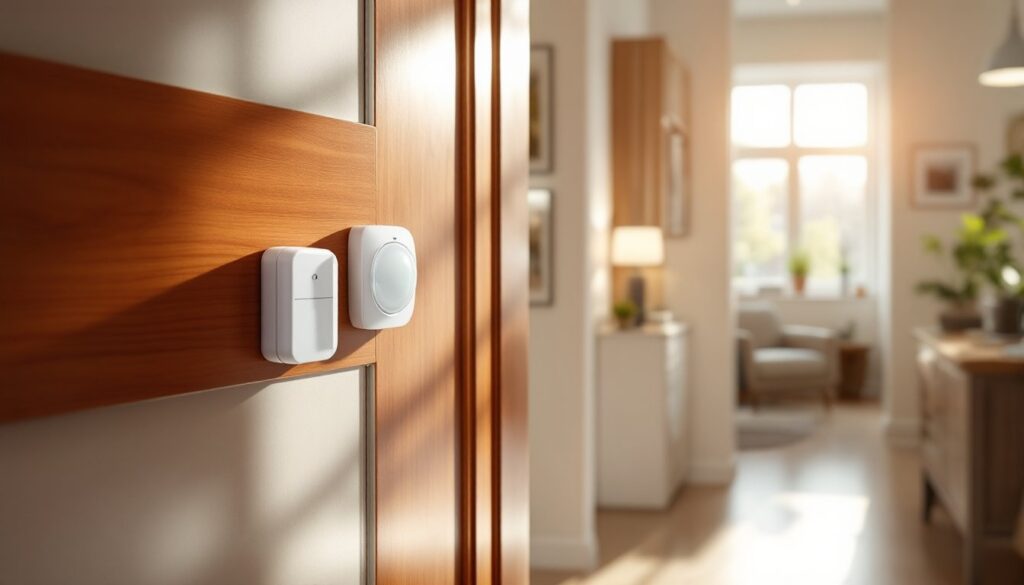
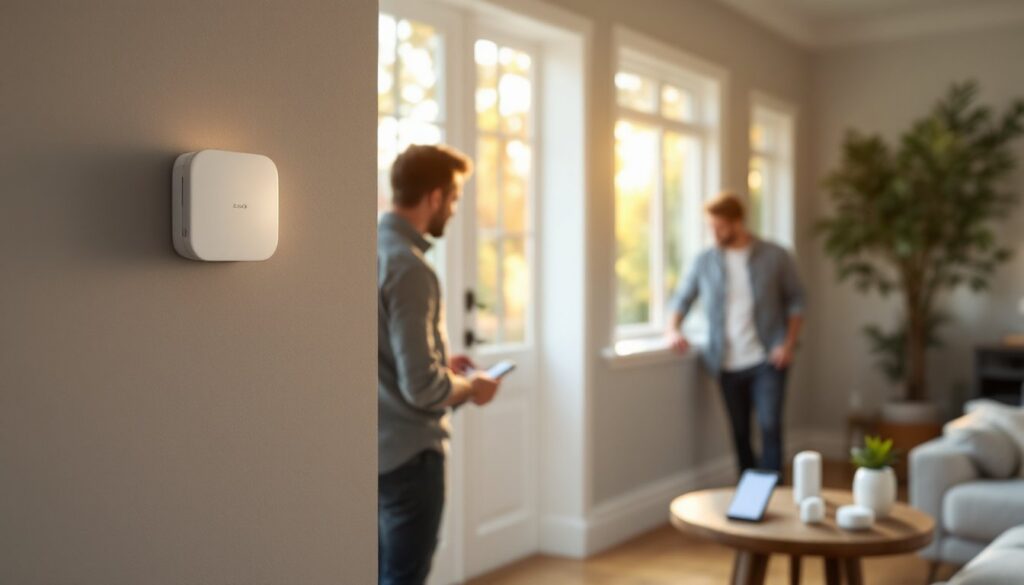
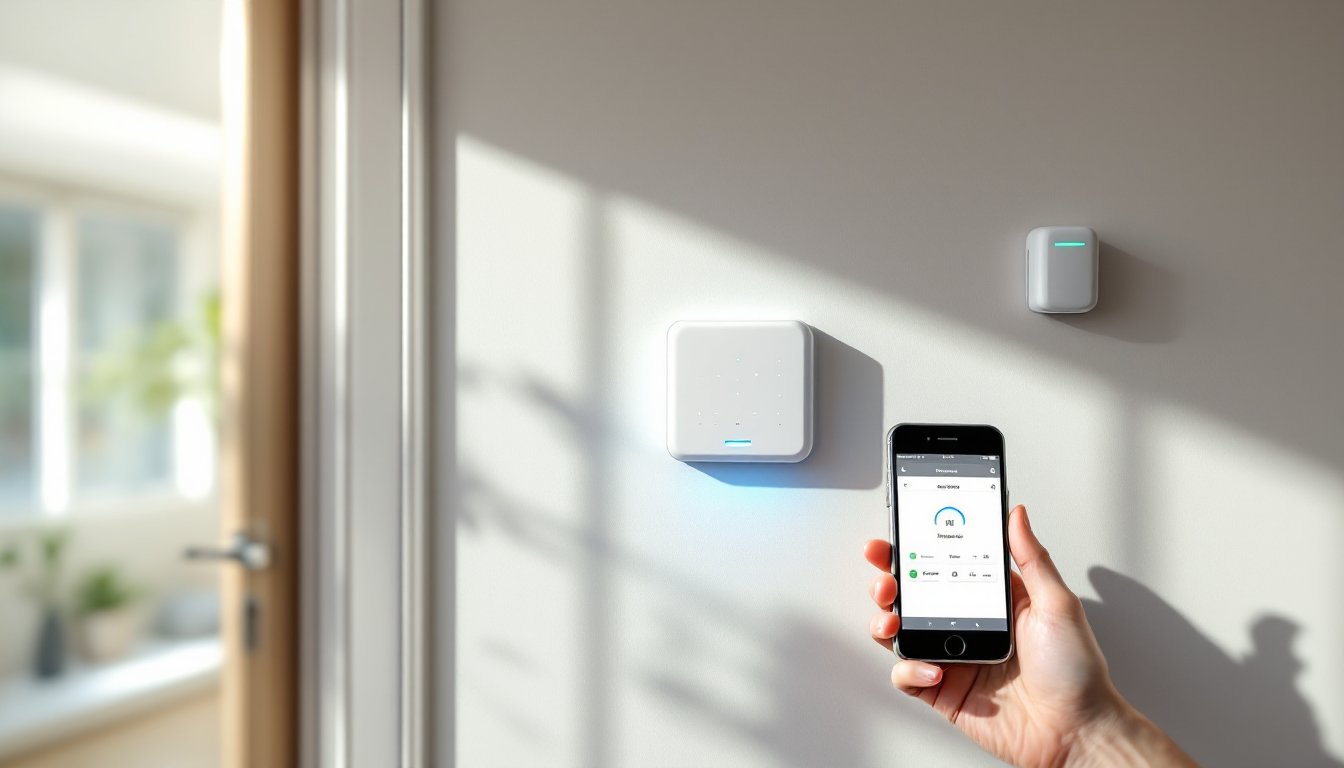
The hardware typically includes a control panel (the “brain” of the system), wireless sensors for doors and windows, motion detectors, and sometimes a keypad for arming and disarming. Unlike older landline systems, cellular units have a built-in cellular chip and SIM card that communicate independently. This means no phone line to cut, no internet dependency, and no dead zones from WiFi dropouts. Many systems also offer smartphone apps, letting you arm, disarm, and check sensor status from anywhere with cell coverage. The redundancy is the real win: if your internet goes down or a burglar cuts your phone line, the cellular backup keeps you protected.
Key Advantages Of Cellular Over Traditional Landline Systems
The shift from landlines to cellular is driven by practical, measurable benefits. Landline systems require an active phone line, something fewer households maintain anymore, and they’re vulnerable to service interruptions and signal interception. Cellular systems eliminate those dependencies entirely.
Reliability matters most. A landline can be severed, disabled, or simply unavailable if you’ve already cancelled it. Cellular networks cover most populated areas and many rural zones, giving you redundancy and independence. You’re no longer tethered to one utility company or service type.
Flexibility is another game-changer. Cellular systems work instantly, no scheduling a technician to install or upgrade phone lines. Renting? Moving frequently? Cellular setups are portable and don’t require permanent infrastructure changes. You can switch monitoring companies or add features without rewiring your home.
Cost savings add up too. No monthly landline fees, no bundled packages you don’t need, and competitive cellular monitoring plans often undercut traditional options. You pay for security monitoring, not a utility.
Reliability And Signal Strength Considerations
Cellular strength varies by location and network. Before committing, check coverage maps for your area, most providers (AT&T, Verizon, T-Mobile) publish detailed coverage data on their websites. If you’re in a weak zone, ask the security company whether their system supports dual-network failover or if they offer signal boosters.
Signal degradation indoors is real. Thick walls, metal framing, and basements can weaken cellular reception. Reputable companies design antennas to penetrate walls reasonably well, but a site survey before purchase can save frustration. Backup power (battery backup in the control panel) ensures the system keeps transmitting even during power outages, a critical feature that separates quality systems from budget options.
False alarms are worth mentioning too. Cellular systems transmit faster than landlines, reducing response delays. But, triggering your monitoring center costs money per false alarm (usually $25–100 depending on your contract), so proper sensor placement and user training matter.
Essential Features To Look For In A Cellular Alarm System
Not all cellular systems are created equal. Start by identifying non-negotiables for your home.
Professional 24/7 monitoring is standard. Verify the monitoring center is UL-listed and insured: this matters if you file an insurance claim. Some systems offer self-monitoring via app, but professional monitoring triggers faster emergency response and satisfies insurance requirements in many cases.
Smartphone integration and two-way voice let you arm, disarm, and communicate with operators from your phone. This convenience also serves as a safety feature, you can confirm an alarm or provide details to dispatchers in real time.
Battery backup and cellular redundancy are non-negotiable. Your panel should hold at least 24–48 hours of backup power and support dual-network switching if the primary cellular network drops. The Ring Alarm Home Security System and similar systems include these as standard.
Expandability matters if you’re starting small. Quality systems let you add wireless sensors, cameras, and environmental detectors (smoke, CO, temperature) over time without replacing the core hardware.
No contract or flexible terms give you breathing room. Month-to-month monitoring is increasingly available and reduces long-term commitment risk.
Sensor variety and count vary widely. Standard systems include door/window sensors and a motion detector: premium setups add glass-break detectors, environmental sensors, and wireless camera integration. Count the protected entry points in your home and choose accordingly.
Installation Options: Professional Vs. DIY Setup
This is where honesty matters. Cellular systems are far more DIY-friendly than wired landline setups, but your choice depends on comfort level and complexity.
Professional installation ($100–300) involves a technician visiting your home to assess coverage, place sensors strategically, program the system, and test everything. This is worth it if you want a site survey (critical in weak-signal areas), perfect sensor placement, system optimization, and peace of mind that everything’s configured correctly. A second pair of hands during setup prevents missed steps and reduces troubleshooting later.
DIY installation is completely viable for straightforward homes. Modern systems ship with detailed guides and smartphone-driven setup wizards. You mount door/window sensors, install the control panel in a central location, and configure monitoring via the app, typically 30–60 minutes. The GE Home Security Alarm System is an example of user-friendly setup.
Here’s the catch: DIY requires you to understand sensor placement (entry points, not hiding spots), test cellular coverage throughout your home, and ensure battery backups are functional. Skipping coverage checks or misplacing a motion detector wastes the system’s value.
A hybrid approach is smart: buy a DIY system and hire a technician for a one-hour site survey and signal-strength assessment. This costs less than full professional installation but prevents costly mistakes. If your home has dense walls, metal framing, or multiple floors, professional setup is worth the investment.
When comparing systems, ask whether support and service calls are free. Some companies charge $50–150 per service visit: others include it. This affects long-term costs.
Cost Comparison And Budgeting For Cellular Alarm Protection
Cellular system costs break into two categories: hardware and monitoring.
Hardware costs typically range from $300–900 for a starter kit (control panel, 2–3 sensors, keypad). Expandable systems allow you to add sensors later ($25–75 per sensor) without buying a new panel. Budget systems cost less upfront but often sacrifice battery backup quality, warranty length, or sensor variety. Mid-range systems ($400–600) usually balance features and reliability well.
Monitoring fees vary widely: $20–40 monthly for self-monitoring (app-only alerts, no professional response), $30–60 monthly for professional 24/7 monitoring. Some companies offer annual discounts if you pay upfront. Shopping around can save $200–300 yearly.
Total first-year cost for a solid system runs $600–1,500 (hardware + 12 months of monitoring). Compared to traditional landline setups ($50–80/month without hardware), cellular often saves money within 2–3 years, especially if you cancel a home phone line you no longer need.
Insurance discounts matter too. Many homeowners insurance policies reduce premiums by 10–20% when you install a monitored alarm system. A $10–20/month savings can offset monitoring fees partially or entirely, ask your insurer for specifics.
Hidden costs to anticipate: professional installation ($100–300), extra sensors beyond the starter kit ($25–75 each), cellular backup plans if you travel with the system, and false-alarm fees ($25–100 per occurrence in many jurisdictions). The Sabre Wireless Motion Sensor Home Security Burglar Alarm and similar systems publish detailed pricing: read the fine print before signing up.
Doing a security audit first helps budget accurately. Count entry points (doors, windows, basement access), identify high-traffic areas for motion detection, and note any structural challenges (weak signal zones, thick walls) that might require additional hardware or professional help. This audit takes 30 minutes and prevents budget surprises.
Conclusion
Cellular alarm systems represent the modern standard for residential security, reliable, flexible, and far easier to install than older wired alternatives. Whether you choose professional installation or go the DIY route, the investment in a quality system with solid cellular coverage pays dividends in peace of mind and often offsets itself through insurance discounts within a couple of years. Do your assignments on coverage in your area, prioritize monitoring quality, and don’t skimp on battery backup. Your home deserves protection that works even when the internet doesn’t.