
Cox Home Alarm Systems have become a serious contender in the residential security market, combining straightforward monitoring with integration into Cox’s broader home services ecosystem. If you’re weighing a Cox alarm system against alternatives or wondering whether the company’s offering justifies the monthly cost, this review cuts through the marketing speak to cover what you actually get: the hardware, the monitoring, the setup process, and the real pricing, including what’s hiding in the contracts. Whether you’re a homeowner looking to upgrade from older equipment or a DIYer considering self-installation, this breakdown will help you decide if Cox fits your security needs and budget.
Table of Contents
ToggleKey Takeaways
- Cox Homelife alarm systems combine professional 24/7 monitoring with wireless sensors and smartphone control, offering real emergency dispatch capabilities that DIY-only systems cannot provide.
- Cox alarm system pricing typically ranges from $40–$80 monthly plus $200–$400 in upfront equipment costs and $50–$300 installation fees, with contracts often featuring escalation clauses and cancellation penalties.
- Both DIY and professional installation options are available; DIY works for tech-savvy homeowners but professional setup is recommended for wired retrofits and complex placement strategies.
- Cox alarm systems excel for customers already using Cox internet or phone services due to bundling and unified billing, but lock you into Cox hardware and monitoring terms with less pricing flexibility than competitors.
- Wireless sensors in Cox systems last 3–5 years before battery replacement is needed, and proper placement strategy for door/window sensors and motion detectors is critical to avoid false alarms and coverage gaps.
- Competing providers like Ring Alarm and Smith Thompson Home Security often offer more flexible month-to-month options and transparent pricing, making them worth comparing if long-term contracts are a concern.
What Cox Home Alarm Systems Offer
Core Features And Technology
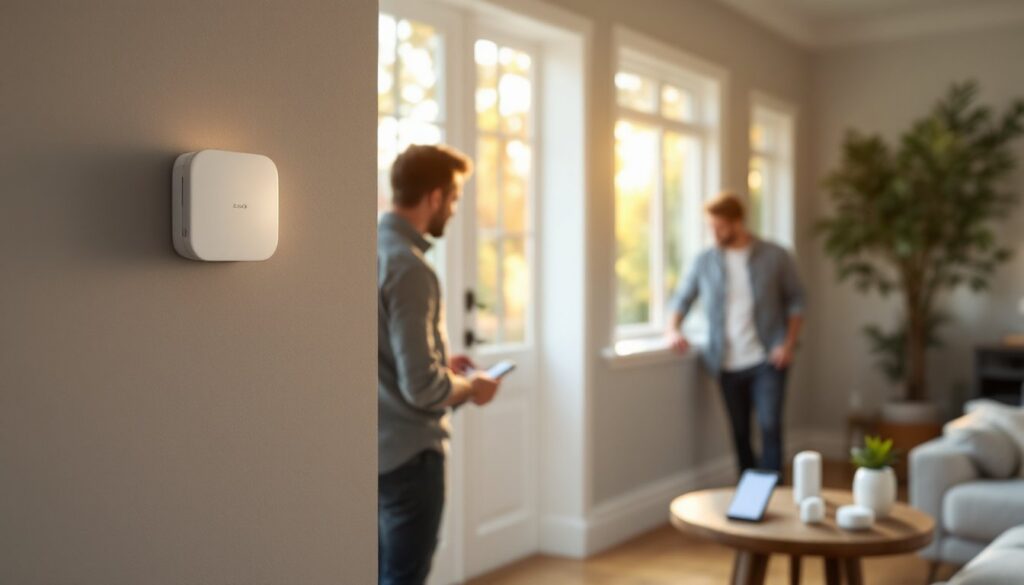
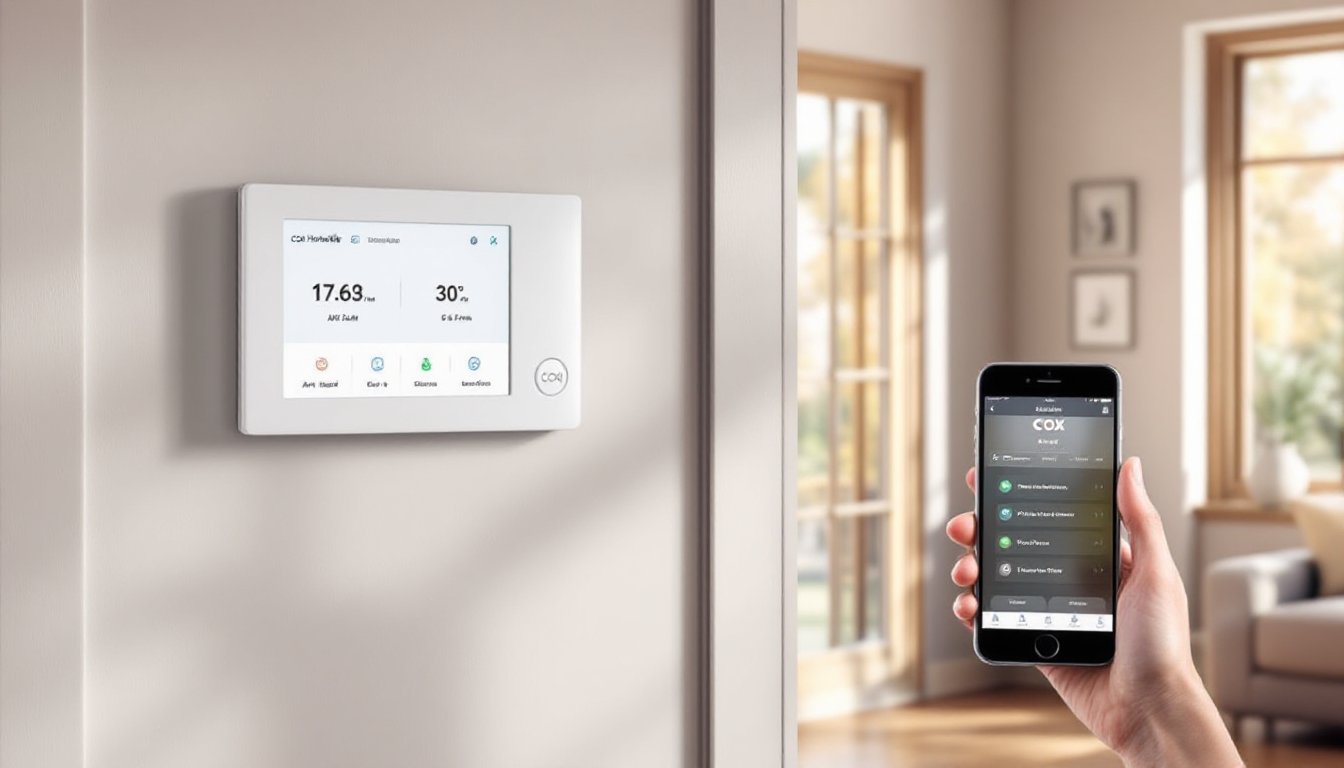
Cox’s alarm offerings center on their Cox Homelife system, which pairs traditional hardwired and wireless sensors with cloud-based monitoring and smartphone control. The core package includes a main hub (essentially a touchscreen control panel), door/window sensors, motion detectors, and professional 24/7 monitoring. Unlike DIY-only systems, Cox’s monitoring includes a trained response center that can dispatch emergency services directly, a real difference when you’re away or unable to call 911 yourself.
The system uses cellular and internet backup to ensure signals reach the monitoring center even if your primary connection fails. Wireless sensors communicate via encrypted signals, so you’re not running conduit through walls for a retrofit installation. The app lets you arm/disarm, check sensor status, and receive alerts in real time. According to a detailed Cox Homelife review from CNET, the interface is intuitive and the system integrates with home automation if you’re already into smart lighting or locks.
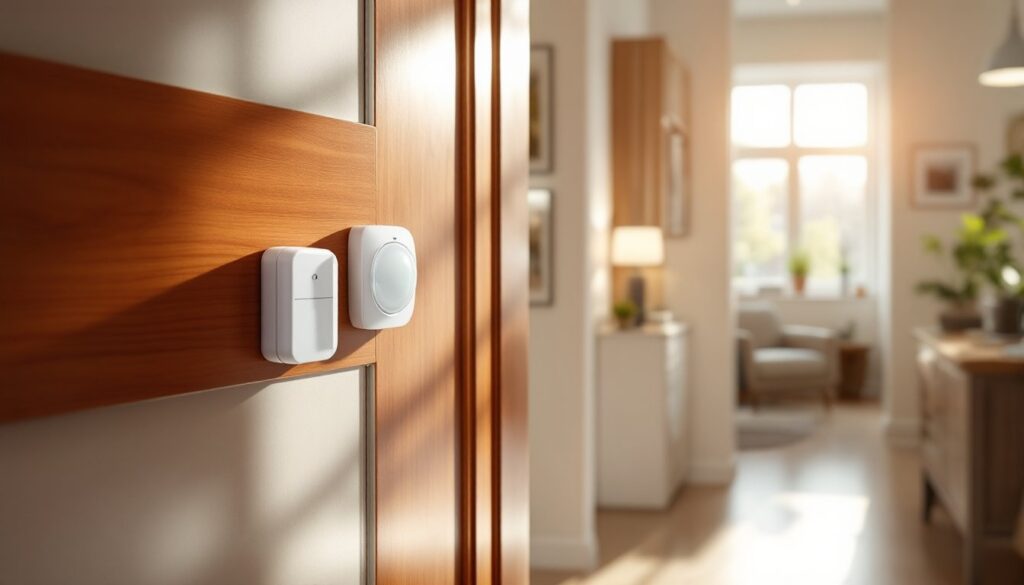
One practical note: Cox’s system supports both hardwired door/window sensors and battery-powered wireless versions, giving you flexibility if you’re installing piecemeal or can’t access wall cavities. Battery-powered sensors typically last 3–5 years before needing replacement, so factor that into your maintenance timeline. The motion detectors use passive infrared technology standard in the industry: they’re reasonably pet-tolerant but will occasionally false-trigger on sunlight through windows or moving curtains if not positioned correctly.
Installation And Setup Process
DIY Installation vs. Professional Setup
Cox offers both paths, and the choice matters more than you’d think. Professional installation means a Cox technician handles placement, wiring, and configuration, you’re not drilling holes or troubleshooting connectivity. The tech will position sensors at entry points, integrate the hub with your internet, and walk you through the app. If you already have Cox internet service, they may bundle installation at a discount. The trade-off: you’ll pay an upfront fee (typically $99–$299 depending on your region and package), and scheduling takes time.
DIY installation is genuinely feasible if you’re handy. The hub runs power (standard 110V outlet: no special wiring required), and wireless sensors stick on with included adhesive strips or small screws. You’ll manually add each sensor to the app, which takes patience but isn’t complex. The trickiest part isn’t assembly, it’s placement strategy. Doors and windows need sensors on the moving part (window sash, door frame) and the static frame so the magnet triggers when separated. Motion detectors should cover entry paths but avoid direct sunlight and heat sources. If your home has thick exterior walls or you’re placing sensors in a metal-framed garage, test range before assuming wireless will reach the hub.
For wired installations (upgrading an older hardwired system), you’ll need to run two-conductor wire, not trivial if you’re retrofitting drywall. This is where professional installation earns its cost. Many DIYers also explore wired home alarm systems for DIY installation to understand the scope before deciding. If you’re uncertain about wire routing through walls or structural concerns, hire a professional. A botched job means false alarms, dead zones, and wasted money on relocating sensors.
Pricing And Plan Options
Understanding Contract Terms And Hidden Costs
Cox’s pricing varies by region, internet and alarm bundles differ significantly in Texas versus other service areas, so always get a local quote. Expect base monitoring around $40–$60 per month for the entry-level plan. Mid-tier plans (with additional sensors, video camera integration, or premium support) run $60–$80. Annual contracts are standard: month-to-month options exist but often carry a $10–$15 monthly premium.
Here’s what often surprises homeowners: the initial cost isn’t just the contract. Most packages include activation fees ($50–$100) and equipment costs ($200–$400 for the hub and starter sensor kit). If you want professional installation, add $150–$300. Promotional pricing (“first three months free”) frequently masks higher rates kicking in after the promo period expires. Read the fine print on escalation clauses, some contracts lock in a rate, others allow Cox to raise fees annually.
Cancellation fees are real. Breaking a three-year contract typically costs 50–75% of the remaining contract value. If you’re skeptical about long-term commitment, start with a 12-month plan and test the service before upgrading. Some competing providers, like Smith Thompson Home Security, offer more flexible terms, so if contract lock-in is a dealbreaker, explore alternatives. Also, there may be ancillary costs: new batteries for wireless sensors every 3–5 years (roughly $10–$20 per sensor), potential service calls if sensors malfunction, and data overage charges if you add video recording.
Comparing Cox To Other Alarm Providers
Cox’s core strength is bundling: if you already subscribe to Cox internet or phone, a single bill and unified customer service are genuinely convenient. The professional monitoring is solid, and integration with smart home ecosystems appeals to tech-forward homeowners. The weakness is flexibility, you’re locked into Cox’s hardware and monitoring terms, and costs creep up after promotional periods.
Alternatives offer different trade-offs. Ring Alarm is cheaper month-to-month and pairs beautifully with Ring doorbells and smart locks if you’re already in that ecosystem, but monitoring is optional and add-on costs mount quickly. GE Home Security systems appeal to those wanting standalone hardware with professional monitoring at lower monthly rates, though customer support is less integrated. For Houston or Dallas residents considering local providers, Smith Thompson Home Security in Houston specializes in residential security with flexible contracts and transparent pricing, worth a comparison call if you’re in their service area.
According to reviews on Tom’s Guide, Cox’s Panorama cameras (if added to your system) offer solid image quality and cloud storage, but they’re pricier than stand-alone options like Wyze or Nest. If video monitoring is essential, factor in those add-on costs. For renters or anyone leery of contracts, wireless standalone systems like Sabre Wireless Motion sensors provide a low-commitment starting point. A detailed Cox Homelife analysis from Digital Trends offers a thorough side-by-side look if you want independent tech assessment.