Installing a burglar alarm system yourself can save thousands in professional installation fees and give you complete control over your home’s security layout. Whether you’re protecting a modest apartment or a sprawling house, modern burglar alarm systems have become increasingly accessible to DIYers who want to skip the contractor markup. This guide walks you through the essentials, from understanding your components to testing your final setup, so you can install a reliable burglar alarm system that actually fits your home’s layout and your budget.
Table of Contents
ToggleKey Takeaways
- DIY burglar alarm system installation saves thousands in professional fees while giving you complete control over your home’s security layout and component placement.
- Proper sensor placement is critical—mount door/window sensors 1 inch apart when closed, position motion detectors 6–8 feet high away from windows, and test alignment before permanent installation.
- A reliable burglar alarm system combines hardwired sensors for main entry points with wireless components for faster installation, but requires regular battery monitoring and replacements every 3–5 years.
- Test your system in phases: verify each sensor responds to triggers, confirm the arm/disarm cycle activates the siren after the entry delay, and validate battery backup powers the panel during outages.
- Map your home layout before installation, covering all ground-level entry points (front/back doors, garage, accessible windows) and adding motion sensors in high-value areas to maximize coverage.
Understanding Your Burglar Alarm System Components
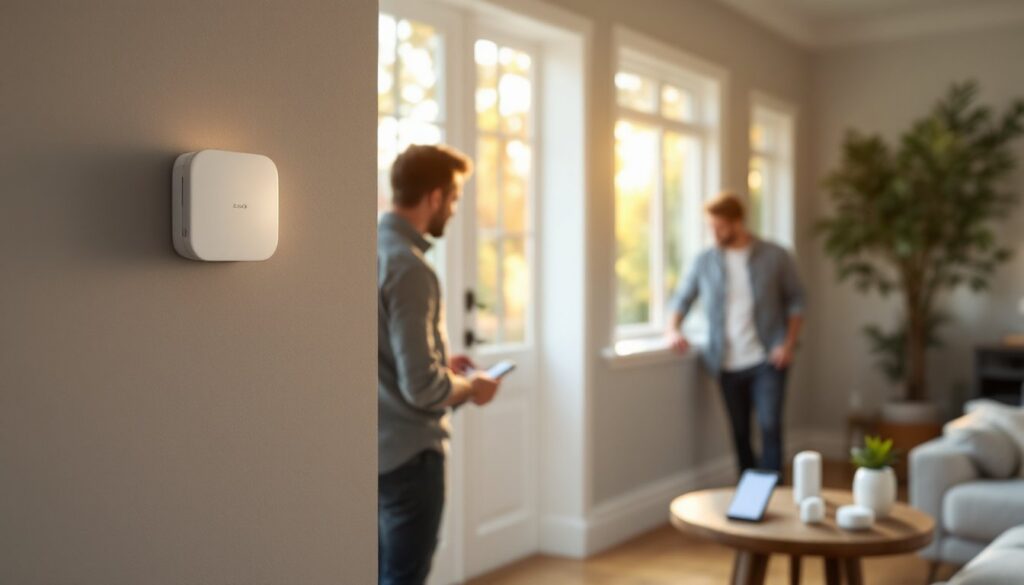
A burglar alarm system has several key parts working together, and knowing what each does helps you install correctly and troubleshoot later. The control panel is the brain of your system, it processes sensor signals and triggers alarms. Your keypad lets you arm, disarm, and check system status. Door and window sensors (usually magnetic reed switches) detect when entry points open. Motion detectors catch movement inside your home. The siren or alarm horn creates the noise that deters intruders, while a backup battery keeps the system running during power outages.
Most burglar alarm systems sold today use a combination of hardwired (physically wired into your panel) and wireless (battery-powered transmitters) components. Wireless sensors are faster to install and don’t require drilling into walls, but they need battery monitoring. Hardwired systems are more reliable long-term but demand more installation work. Many homeowners mix both, wireless for quick coverage, hardwired for main entry points where running wire is practical.
Control Panel And Keypad Basics
The control panel usually mounts in a closet, garage, or utility room, somewhere central but out of sight. It needs power from an outlet (most have 120V AC input) and a backup battery (typically 12V DC). Your keypad connects to the panel via phone line or radio link and displays system status through an LED screen or small display.
When choosing a location for your panel, avoid direct sunlight, moisture, and extreme temperatures. If installing hardwired sensors, you’ll run low-voltage wiring (usually 18-22 gauge twisted pair) from the panel to each sensor, a job that involves some drilling but no electrical permit in most cases, since it’s low-voltage. The keypad can mount at your main entry, on a bedroom nightstand, or anywhere you want quick access. Battery backup keeps your system armed even if power fails, so check the battery health monthly and replace it every 3–5 years depending on usage.
Planning Your Installation Layout
Before you buy a single sensor or drill a hole, map out your home on paper. Identify all entry points: doors, windows, sliding glass doors, and garage doors. Mark which ones are ground-level (higher risk) and which are upper-floor (lower risk but still worth protecting). A solid burglar alarm system covers at least perimeter entry points, your front door, back door, garage entry, and accessible ground-floor windows. If your budget allows, add motion sensors in hallways or the master bedroom for interior protection.
Think about your lifestyle too. If you have kids or pets, motion sensors in hallways might trigger false alarms, so position them high or in less-trafficked areas. Sliding glass doors need door sensors that align perfectly when the door moves, so plan the bracket placement carefully before install. Corner windows and basement windows are often overlooked but easy break-in points, don’t skip them just because they’re inconvenient.
Strategic Sensor Placement For Maximum Coverage
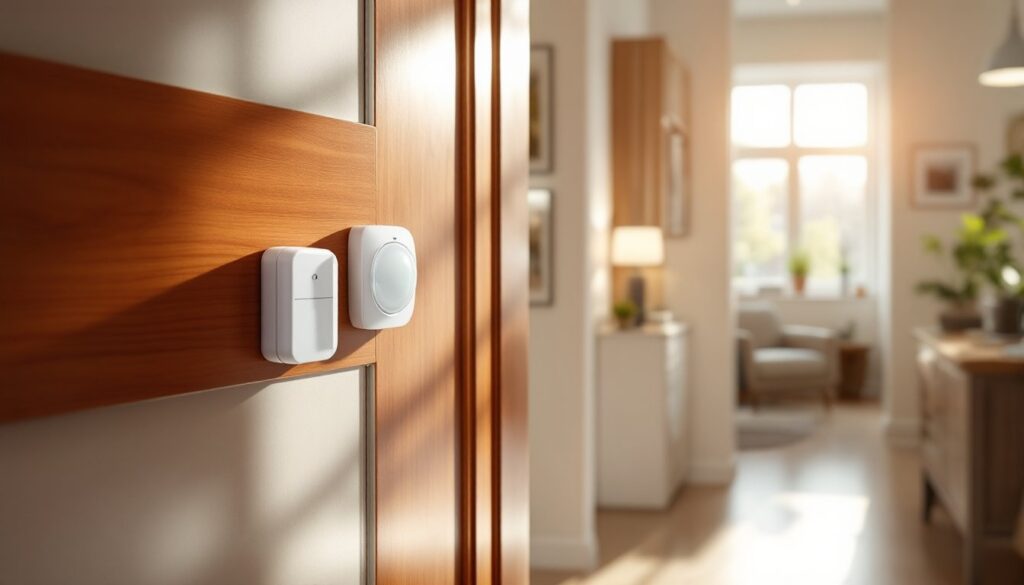
For door sensors, mount the magnetic sensor on the door frame and the magnet on the door itself, about 1 inch apart when the door is closed. Test the alignment before permanently securing with screws or adhesive, a misaligned sensor won’t work when the door opens slightly. On garage doors, place sensors on the door panels or use a tilt sensor that detects when the door moves, which is often more reliable than trying to align two separate magnets on a moving overhead door.
Window sensors follow the same magnetic principle. Mount them on the top sash (for double-hung windows) or side frame (for horizontal sliders) so they trigger when someone opens the window. Double-hung windows need two sensors per window if both sashes move, or one per sash if you lock one shut. Motion detectors work best when mounted 6–8 feet high on an interior wall with a clear view of the space you’re protecting. Avoid pointing them at windows (sunlight can trigger false alarms) or heating vents (air currents mess with sensitivity).
Test each sensor location before wiring. Walk past motion detectors at normal speed: they shouldn’t trigger. Open doors and windows slowly to ensure the magnet moves away from the sensor smoothly. If a window sticks slightly, the magnet might stay close enough to not trigger, test repeatedly to confirm the sensor activates.
Step-By-Step Installation Process
Start with your control panel and power supply. Turn off power to the outlet where you’ll plug in the panel. Mount the panel securely to a wall stud using heavy-duty wall anchors or wood screws into the stud (never rely on drywall anchors alone for a panel that may be bumped). Make sure the panel is level. Connect the 120V AC power adapter and the 12V backup battery, following your system’s manual exactly, incorrect polarity on the battery will damage the panel. Plug the AC adapter in and verify the panel powers on: you should see lights or a display.
Mont your keypad in an accessible location near your main entry, typically waist-height on the wall. Use the same mounting method (stud or anchors) and ensure it’s near an outlet or has a hardwired connection back to the panel if your system uses that design. If your keypad needs a phone line or internet connection for alerts, run that line before you mount it permanently.
Wiring And Connecting Your System
For hardwired sensors, you’ll run low-voltage wire (typically 18-22 gauge twisted pair) from the panel to each sensor. Use the sheathing that comes with your kit or pick up low-voltage electrical wire from a home center, it’s affordable and flexible. Plan your wire runs before drilling holes. You can run wire along baseboards and trim, or fish it through walls if you’re comfortable drilling pilot holes and using a fish tape.
When drilling through studs or joists, use a 1/2-inch drill bit (slightly larger than your wire gauge) and drill perpendicular to the wall. Pull wire tight but don’t yank it, you want clean runs without kinks. If you need to drill multiple holes, mark them with a level line so they align vertically: it looks cleaner and protects the wire from the plasterboard edge.
For wireless sensors, install fresh AA or AAA batteries (depending on your sensor type) and pair them with the panel using your system’s wireless pairing protocol, usually a button press on the panel and the sensor together. Write down each sensor’s location and pairing code in a notebook for future troubleshooting.
Connect the siren (or alarm horn) to the panel or to a wireless receiver, again following your manual. The siren should mount high and visible to deter burglars and broadcast sound effectively. Test the siren at low volume first, some sirens are 120+ decibels and will startle you.
Once all sensors and the siren are connected, run the entry/exit delay test. Disarm the system, wait for the delay, then trigger a door sensor. The panel should sound the alarm after the delay period (usually 30–60 seconds), giving you time to disarm with your code. This is your safety net, without the entry delay, you can’t get in without triggering an alarm.
Testing And Troubleshooting Your Setup
Testing happens in phases. Start with sensor tests: open each door and window slowly and verify the panel shows each as “open” on the display or through your app. Walk past motion detectors at normal pace and check they trigger. If a sensor doesn’t respond, check the battery (wireless) or test the wire connection at the panel (hardwired). Loose connectors are the most common culprit, reseat any wire or plug firmly.
Next, test the arm/disarm cycle. Put the system in test mode (most panels have this to prevent false alarm calls to monitoring services), then arm the system fully. Wait 30 seconds, then trigger a sensor by opening a door. The panel should beep, count down the entry delay, then sound the siren. Disarm immediately using your keypad code. If the siren doesn’t sound, check that the siren is powered and connected. If the panel doesn’t recognize your code, reprogram it following your manual’s keypad instructions.
Test battery backup by unplugging the AC adapter (panel should beep once). The backup battery should power the panel and sensors for several hours. Many systems send a low-battery alert before the backup fully drains, so monitor for warning lights. Reconnect AC power once you confirm the backup works.
Common issues: wireless sensors drift out of range (move the sensor closer to the panel or relocate the panel), motion detectors false-trigger (reduce sensitivity or redirect away from windows), and hardwired sensors fail intermittently (check wire connections at both the sensor and panel ends, crimp or solder connections if they’re loose).
Once everything works in test mode, remove the test mode setting and arm the system normally. Many burglary alarm system installations benefit from professional wired home alarm systems guidance if you’re uncertain, though wireless and hybrid setups are equally valid for most homes. If you’re monitoring through a service, follow their instructions to properly register your sensors and entry points, some services won’t respond to alarms from unregistered zones.
During your final walk-through, verify every door and window closes properly and the sensors align without being strained. Misalignment causes sensors to fail when you need them most. Program your emergency contacts and monitoring service details into the panel if applicable. Modern systems often support Sabre wireless motion sensors and other third-party add-ons, so research compatibility if you plan future expansion. Keep your system manual and a copy of your install diagram in a safe, accessible place, you’ll thank yourself when you need to troubleshoot or explain the system to a new owner if you sell.