
You installed a security system years ago. It still works, sensors are in place, the keypad beeps, you arm it at night. But here’s the gap: if no one’s monitoring the signal in real time, your system is more insurance paperwork than actual protection. Upgrading to professional alarm monitoring transforms your DIY or builder-grade system into round-the-clock security backed by trained operators who respond to alerts before you even wake up. This guide walks you through assessing your current setup, understanding your monitoring options, and handling the integration work, no more guessing whether your system is truly protecting you.
Table of Contents
ToggleKey Takeaways
- Professional alarm monitoring service transforms existing security systems into 24/7 protection with trained operators who respond to alerts in minutes, drastically reducing emergency response time.
- Most systems installed after 2010 work with third-party monitoring; check your panel brand, system type (wired, wireless, or hybrid), and whether it has a standard RJ-31X jack before upgrading.
- Modern communicator modules ($150–$300) bridge older systems to monitoring networks, and 4G LTE cellular backup ($10–$20/month) is essential if your system relies on broadband.
- Alarm monitoring service costs range from $15–$100/month depending on your plan tier, with installation fees ($50–$200) often waived if you sign a 24–36 month contract.
- Video verification and two-way communication with monitoring centers reduce false-alarm penalties and may qualify you for homeowner insurance discounts.
- Installation takes 1–2 hours for compatible systems or up to a full day for older systems requiring rewiring; request written documentation of your zone map and programming for future reference.
Why Upgrade to Professional Monitoring for Your Current System
A self-monitored system is only as good as your phone and your alertness. You rely on app notifications or sirens to know something’s wrong, but by the time you’re aware, minutes have passed. Professional monitoring services deploy trained operators 24/7. When a door sensor triggers an alarm at 3 a.m., a monitoring center calls immediately, then alerts authorities if you don’t respond. This cuts response time drastically and adds legal credibility (many insurance companies offer discounts for professionally monitored systems).
Beyond emergency response, monitoring services handle verification of alarms. Modern services use video feeds or two-way voice communication to confirm a break-in before dispatching police, reducing false-alarm callout fees in jurisdictions that penalize them. If you travel, own rental property, or simply want peace of mind when you’re in the shower and can’t hear your phone, professional monitoring justifies the monthly cost. Your existing system hardware, sensors, keypad, main control panel, often stays in place: you’re adding the monitoring service layer on top.
Assessing Your Existing Alarm System for Monitoring Compatibility
Before calling a monitoring company, identify what you’ve got. Older systems (pre-2010) may use proprietary protocols that monitoring companies no longer support: newer systems almost always work. Visit your keypad and write down the brand and model number, look for a label on the inside of the panel door or the main control unit in your closet or basement.
Identifying Your System Type and Age
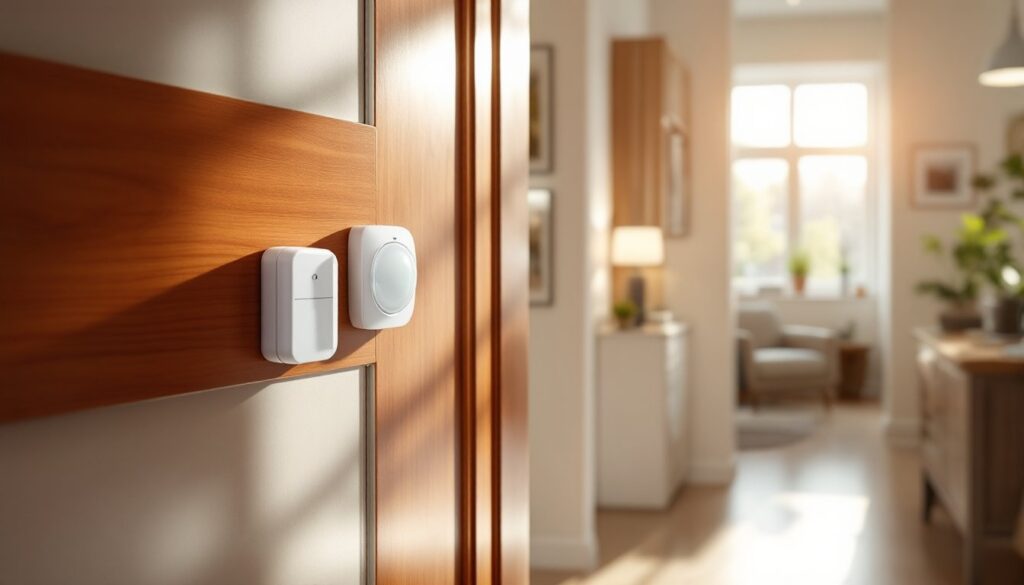
Wired systems have sensors connected by low-voltage cables running through walls. They’re rock-solid but harder to expand. Wireless systems use radio signals to communicate with a hub: they’re simpler to monitor but may have compatibility issues if your hub is outdated. Hybrid systems (wired backbone with wireless add-ons) are common in retrofits. The good news: modern wired home alarm systems and wireless hubs almost all support third-party monitoring services.
Brand matters less than whether your system uses standard protocols. Systems using 2G cellular backup (common before 2020) are being phased out as carriers shut down legacy networks, so ask your monitoring company upfront if your system will need a modern 4G LTE communicator upgrade. Many newer systems already include this. Check whether your control panel accepts a standard RJ-31X jack (the industry-standard connection point for monitoring service): if it does, you’re golden. If your system is over 10 years old, assume you’ll need some upgrades, possibly including a new communicator module ($150–$300) that bridges your panel to the monitoring company’s network.
Monitoring Service Options and Installation Methods
Monitoring companies offer tiered plans: basic 24/7 dispatch ($15–$30/month), mid-tier with video verification and emergency services ($35–$50/month), and premium plans bundling home automation, temperature monitoring, and smartphone integration ($50–$100/month). Most offer low setup fees ($50–$200) if you own the equipment: rented or leased equipment may lock you into longer contracts.
Choose a provider before installation. Major national companies (ADT, Vivint, Frontpoint) are established but carry higher monthly fees. Newer services like Ring Alarm Home Security offer flexibility if you’re willing to integrate their platform. Smaller regional monitoring centers sometimes offer personalized service and lower fees if you don’t need flashy automation features. Verify the company uses UL-certified monitoring centers (a standard mark of legitimacy) and ask for references.
Once you’ve selected a provider, they’ll schedule an install visit. A technician will inspect your panel, assess which sensors need updating, confirm your cellular or internet connection (most modern systems require broadband or cellular backup), and install any necessary communicators. For newer panels, this takes under an hour. Older systems may need rewiring or a new main control unit, which can take 2–4 hours.
Wireless and Hybrid Integration Solutions
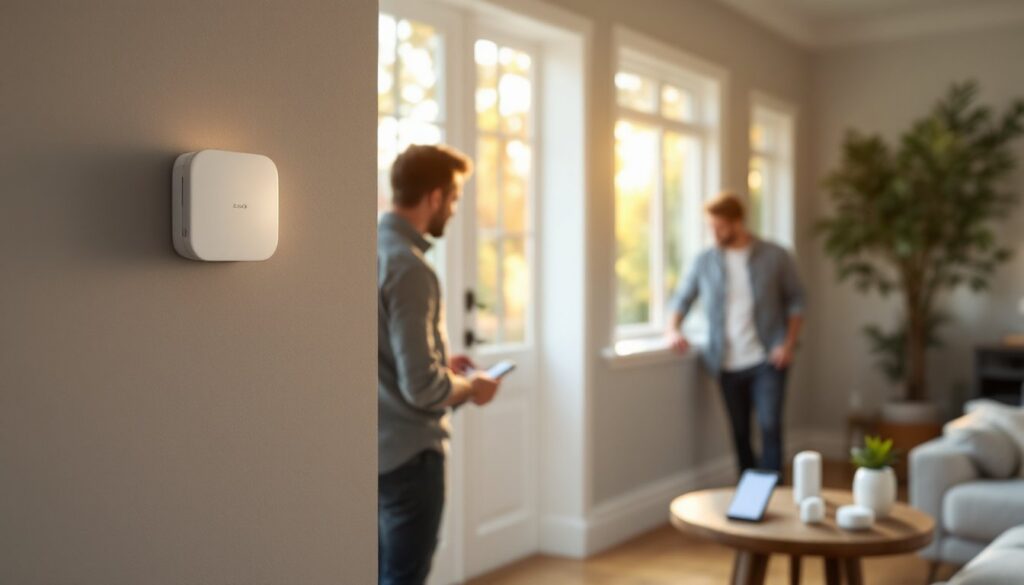
If you’re running a wireless or hybrid system, integration is nearly seamless. Your hub communicates wirelessly with sensors: the monitoring company adds a communicator that talks to their network via your Wi-Fi or cellular connection. No wall drilling, minimal downtime. Wireless add-ons like Sabre wireless motion sensors can be paired with your existing wired sensors if you’re expanding coverage. If your system doesn’t support wireless expansion, a retrofit with a hybrid control panel ($300–$600) lets you keep existing wired circuits while adding wireless zones.
Broadband-dependent systems need a cellular backup communicator (4G LTE) as a failsafe if your internet drops. This costs $10–$20/month extra but is non-negotiable for reliability. Internet-only monitoring without cellular backup is risky: your system won’t report alerts if your router fails or your ISP has an outage. Ask whether your monitoring company bundles this cost or charges separately.
Costs, Setup, and What to Expect
Total out-of-pocket depends on your system’s age and compatibility. If your panel and sensors are solid, expect $100–$300 for a communicator install and $20–$50/month monitoring. If you need a new control unit or extensive wiring updates, add $400–$1,200. Most monitoring companies waive installation fees if you sign a 24-36 month contract: others charge upfront if you want month-to-month flexibility (DIYers often prefer this for staying nimble).
Setup includes a technician walk-through of your system, testing all sensors, programming emergency contacts, and a final system test. Ask the company to provide written documentation of your zone map (which sensor is which) and programming details, you’ll need this if you switch providers later. Installation timelines vary: a simple upgrade to an existing compatible system takes 1–2 hours: a full system overhaul with new wiring takes a day. Plan for downtime: you’ll want to skip arming your system for a few hours during the work.
Factors affecting price include your location (urban areas have more competition, lower pricing), your internet connection quality (if broadband-dependent), and whether you need video monitoring integration. GE Home Security alarm systems and Ring systems often bundle video verification affordably, while proprietary systems from older providers can be pricier. Recent analyses from CNET on DIY security systems and Tom’s Guide on home security options confirm that upgrading existing systems costs substantially less than replacing them. Always get quotes from at least two providers: many will beat each other’s prices.
One final note: permitting isn’t usually required for adding monitoring to an existing system, you’re adding a service, not running new wiring or changing the structural installation. But, check local code: some jurisdictions require monitoring companies to register permitted systems. Your installer will handle this if needed.
Conclusion
Upgrading your existing alarm system with professional monitoring is a practical security investment. Start by knowing what you’ve got, choose a monitoring company that fits your budget and lifestyle, and plan for a straightforward installation. Most homeowners see the value in round-the-clock response within the first incident, knowing trained operators are watching while you sleep is worth the monthly fee. Your old system hardware becomes a fully active security asset instead of just a noisemaker.