
Protecting a business from theft, break-ins, and vandalism requires more than just a sturdy lock on the door. A solid alarm system serves as the backbone of any security plan, deterring criminals before they even attempt entry and alerting you and authorities the moment something goes wrong. Whether you’re running a retail shop, warehouse, office, or service facility, selecting the right business alarm system hinges on understanding your specific needs and the options available. This guide walks you through the essential considerations, from assessing your property’s layout to comparing professional monitoring versus DIY solutions.
Table of Contents
ToggleKey Takeaways
- A best business alarm system should match your property’s specific layout, hours of operation, and what you’re protecting—not all systems work for every business.
- Essential features include entry point sensors, motion detectors, glass break sensors, smartphone integration, and battery backup to maintain protection during power outages.
- Professional monitoring costs $20–$60+ monthly but often qualifies for insurance discounts that offset the expense, while self-monitoring requires on-site presence and quick response.
- Hybrid installation approaches combining hardwired critical zones with wireless flexible coverage provide the best balance of reliability and cost-effectiveness for most businesses.
- Budget for three cost categories: equipment ($800–$3,000+), installation ($300–$3,000+), and ongoing monitoring, then verify insurance discounts and factor in annual maintenance expenses.
- Request quotes from multiple providers, check references from actual commercial clients, train all staff on system use, and commit to annual testing and maintenance for genuine protection.
Understanding Your Business Alarm System Needs
Before you start shopping, take a step back and evaluate what your business actually needs. Not every alarm system works for every property. A small retail storefront has different requirements than a sprawling warehouse or multi-tenant office building.
Start by mapping your property. How many entry points do you have, doors, windows, loading bays, skylights? Are you concerned about perimeter breaches, internal movement, or both? A retail store might prioritize door and window sensors at closing time, while a manufacturing facility might need motion detection throughout the warehouse floor.
Consider your hours of operation too. A 24/7 business has different alarm demands than one that closes at 6 p.m. Then think about what you’re protecting. High-value inventory, expensive equipment, or sensitive customer data each affect the level of monitoring you’ll want.
Location matters as well. Urban commercial spaces might rely on quick police response, while rural properties could face slower response times, making professional monitoring even more critical. Also consider whether your landlord, insurance company, or local regulations mandate specific alarm features. Some policies offer discounts for monitored systems, and certain jurisdictions have fire code requirements that influence your choices.
Key Features to Look For in a Business Alarm System
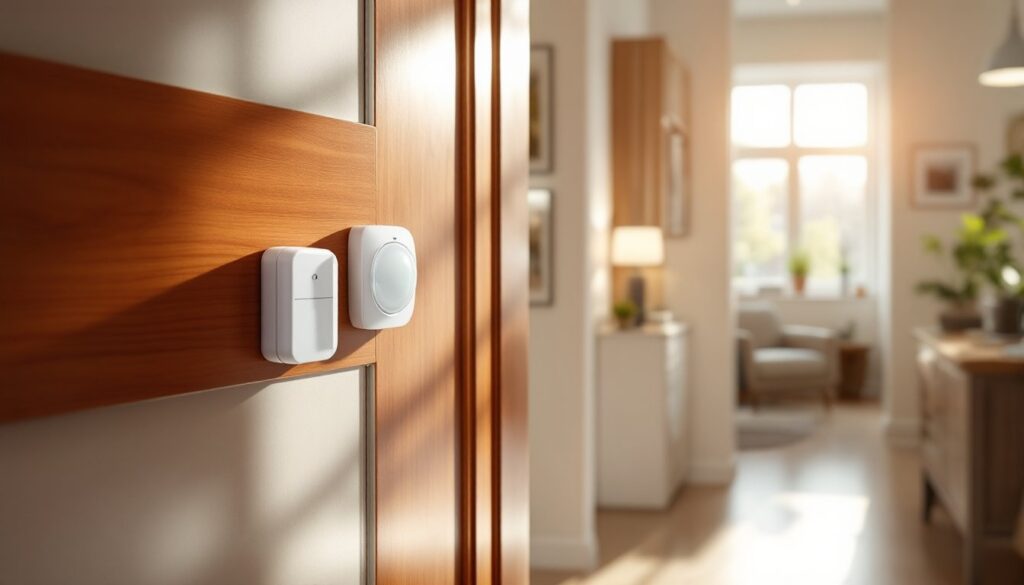
Once you understand your property’s baseline requirements, focus on the specific features that will do the heavy lifting in your security setup. Entry point sensors form the foundation, door and window sensors trigger alerts when they open. Magnetic reed switches are the industry standard because they’re reliable, inexpensive, and last for years.
Motion detectors are essential for interior protection, especially after hours. Passive infrared (PIR) sensors detect body heat and work well in most spaces, though they can struggle in areas with direct sunlight or extreme temperature shifts. Glass break sensors are worth adding if you have large display windows or glass storefronts: they detect the distinctive frequency of breaking glass and can catch someone before they fully breach the opening.
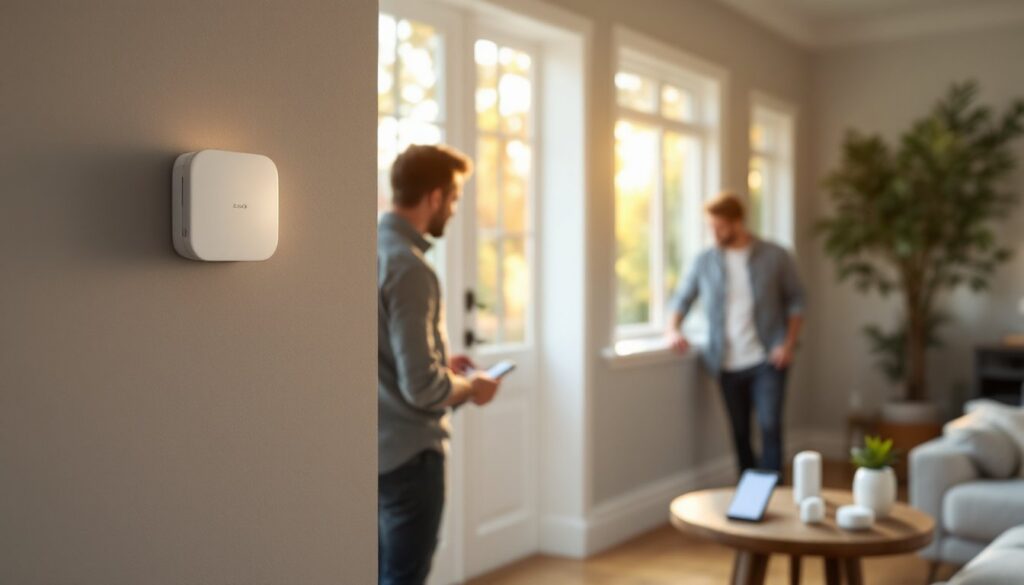
Panelboards and keypads form the system’s nervous system. A quality keypad should display real-time status, allow you to arm or disarm the system quickly, and let you bypass specific zones if needed (useful for maintenance workers or designated entry points). Modern systems increasingly offer smartphone integration, the ability to check status and receive push notifications is invaluable if you’re not always on-site.
Camera integration is becoming standard. Even a basic surveillance system adds a visual deterrent and creates a record of incidents. Consider whether you want continuous recording, motion-activated clips, or cloud storage. Battery backup for your main panel ensures the system keeps running during power outages, a critical safeguard because most break-ins occur when the power’s down or compromised. Look for at least 24 to 48 hours of battery life, enough to bridge a typical outage or allow time for response.
Professional Monitoring vs. Self-Monitoring Options
This decision fundamentally shapes how your alarm system works and what you pay for it. Professional monitoring means a 24/7 security operations center watches your system. When an alarm triggers, trained operators attempt to contact you, verify the emergency, and dispatch police or fire if needed. The response time is typically under five minutes, and there’s no ambiguity, professionals handle the entire escalation chain.
The trade-off is cost. Professional monitoring runs $20 to $60+ per month depending on the service level and contract terms. But insurance companies recognize the difference: monitored systems often qualify for substantial discounts on your business liability and property coverage, sometimes offsetting the monitoring cost entirely.
Self-monitoring puts the responsibility on you. You receive alerts on your phone and decide whether to call police or investigate yourself. It’s cheaper, some systems cost nothing monthly, but it requires discipline and quick response. If you’re traveling, in meetings, or simply don’t respond to a notification, you lose valuable response time. Self-monitoring works best for business owners who are always on-site or have trusted employees who can handle alerts.
Hybrid approaches exist too. Some businesses use professional monitoring during off-hours and self-monitoring during business hours when staff is present. Advanced systems now include features like cloud storage and mobile app management that blur the line between professional and self-monitoring. Research systems that offer flexible monitoring options so you can adjust as your business grows or your schedule changes.
Installation and Integration With Your Existing Setup
Installation falls into two camps: hardwired and wireless. Hardwired systems use run actual electrical wiring between sensors, the panel, and the main power supply. They’re more reliable and don’t require battery replacement on sensors, but installation is invasive, you’re drilling holes, routing wires through walls, and potentially hiring an electrician. If your building is already wired with low-voltage security cabling, hardwired makes sense.
Wireless systems use battery-powered sensors that communicate via radio frequency to a central hub. Installation is much simpler, you peel and stick sensors, mount a keypad, and plug in the hub. The downside is ongoing battery maintenance (typically annual) and potential interference from other wireless devices, though modern frequency-hopping systems are pretty robust against interference.
Most professional installers recommend a hybrid approach for larger businesses: hardwired critical zones (main entries, high-value areas) paired with wireless sensors for flexible coverage. This gets you reliable hardwired backbone while keeping installation costs and future modifications manageable.
Before you pick a system, verify compatibility with your existing setup. If you already have fire alarms, access control, or cameras, ask the security company how the new alarm integrates. A unified dashboard that shows doors, cameras, and alarms together is far more useful than juggling separate apps and control panels. Some systems tie into your building automation or HVAC systems too, which adds convenience but requires careful planning. Don’t let “advanced integration” sell you on a more complex system than you actually need.
Cost Considerations and Budget Planning
Alarm system costs break into three buckets: equipment, installation, and ongoing monitoring. Equipment for a small business typically runs $800 to $3,000 for a quality starter package that includes a main panel, keypads, a handful of door and window sensors, and one or two motion detectors. High-end systems with integrated video, large sensor counts, and redundant communication can exceed $5,000 before installation.
Installation costs depend on complexity. A technician can set up a wireless system in a few hours for $300 to $600. Hardwired installation with wall routing and electrical work can cost $1,500 to $3,000 or more. Some installers bundle equipment and installation into one price: others charge separately. Always get a detailed quote and understand what’s included, sensor count, keypad options, travel time, etc.
Monitoring fees vary dramatically. Basic monitoring (24/7 response) runs $25 to $40 monthly. Packages with video cloud storage, smart home integration, or enhanced cellular backup push that to $50 to $80 monthly. Many providers offer annual payment discounts or waive the first month to lock you in.
Don’t forget insurance implications. Check with your business insurer about discounts for monitored systems. A 5 to 15% reduction in your property and liability premiums can easily offset monitoring costs. Also factor in the cost of keypad batteries, sensor batteries, and occasional technician visits for maintenance or adjustments. Budget at least $100 annually for battery replacement and miscellaneous upkeep. Some providers offer monitoring bundles that include remote system checks and battery monitoring, which simplifies ongoing maintenance.
Getting Started With Your Business Alarm System
Start by requesting quotes from at least three reputable security companies. Bring your property layout, entry point list, and current security concerns to each meeting. Installers should ask detailed questions about your needs rather than just pushing their most expensive package.
Check references and reviews. Look beyond online ratings, ask the company for contact information from recent commercial clients and actually call them. Ask how responsive the company is, whether installation went smoothly, and whether their monitoring has been reliable. A security company that cuts corners during installation often cuts corners elsewhere too.
Once you’ve selected a system, coordinate the installation carefully. Clear the installation area so technicians can work efficiently. If you’re doing a hybrid hardwired and wireless setup, plan which zones are hardwired before the electrician arrives, moving wiring later is expensive and disruptive.
After installation, take time to learn the system. Know how to arm and disarm it, how to access the mobile app, and what happens when an alarm triggers. Train all staff members on the basics. Set up a testing procedure with your monitoring company so they know your building and staff, which speeds up response if a real alarm occurs.
Most importantly, check your system periodically. Walk through with a technician once a year, test backup batteries, and verify that all sensors are still functioning. Technology that sits dormant until needed can fail silently. A proactive maintenance mindset ensures your alarm system is ready when you need it most. Whether you choose Smith Thompson Home Security for professional installation or handle setup yourself, regular testing and updates are the difference between a security system that works and one that disappoints when it matters.
Conclusion
Choosing the best business alarm system requires honest assessment of your property, clear prioritization of your threats, and realistic planning for both upfront and ongoing costs. Hardwired or wireless, professionally monitored or self-monitored, the right system balances security effectiveness with your budget and operational reality. Take time to evaluate your options, talk to actual users of the systems you’re considering, and commit to proper maintenance. A well-chosen and well-maintained alarm system protects your business, satisfies your insurance company, and gives you genuine peace of mind.