Home security doesn’t have to drain your wallet. If you’ve been holding off on a free home alarm system because you thought it required expensive installation or ongoing monthly fees, you’re not alone. The good news: 2026 offers more legitimate free and low-cost alarm options than ever before. This guide walks you through what free alarm systems actually are, how they work, and whether one fits your home’s security needs. Whether you’re protecting a starter apartment or adding backup coverage to an existing system, understanding your free options, and their real limitations, helps you make an well-informed choice.
Table of Contents
ToggleKey Takeaways
- A free home alarm system offers basic door and motion sensors with smartphone alerts, but skips the professional 24/7 monitoring that dispatches police automatically.
- DIY smart home integration using affordable sensors and existing smart speakers provides zero recurring fees, though you’re responsible for maintaining the network and responding to alerts yourself.
- Free trials from Ring, Wyze, and Abode offer 30–60 days of professional monitoring before reverting to app-only alerts, making them ideal for testing whether paid monitoring fits your needs.
- Proper sensor placement requires identifying all entry points, positioning hub centrally with strong WiFi coverage, and mounting visible alarm decals to deter casual break-ins.
- Free systems lack automatic police dispatch, professional installation support, and insurance discounts—making them best suited for lower-risk homes rather than high-risk properties.
- Stack multiple free systems or use perpetual free tiers from providers like Wyze and Eufy to protect different areas of your home without adding monthly costs.
What Are Free Home Alarm Systems and How Do They Work
A free home alarm system uses entry sensors, motion detectors, and a central hub to monitor your home without charging you a monthly monitoring fee. The catch: free doesn’t mean feature-complete. Most free tiers offer basic alerts via smartphone app when a door opens or motion is detected, but they skip professional 24/7 monitoring that dispatches police to your address.
Here’s the honest breakdown. The system hardware, sensors, door/window contacts, hub, often costs money upfront. What’s free is the monitoring and alert service. You’ll get smartphone notifications, maybe local sirens, but not a monitoring center checking your system 24/7. Some free systems do offer limited professional monitoring for a trial period (often 30–60 days), after which you either pay or drop to app-only alerts.
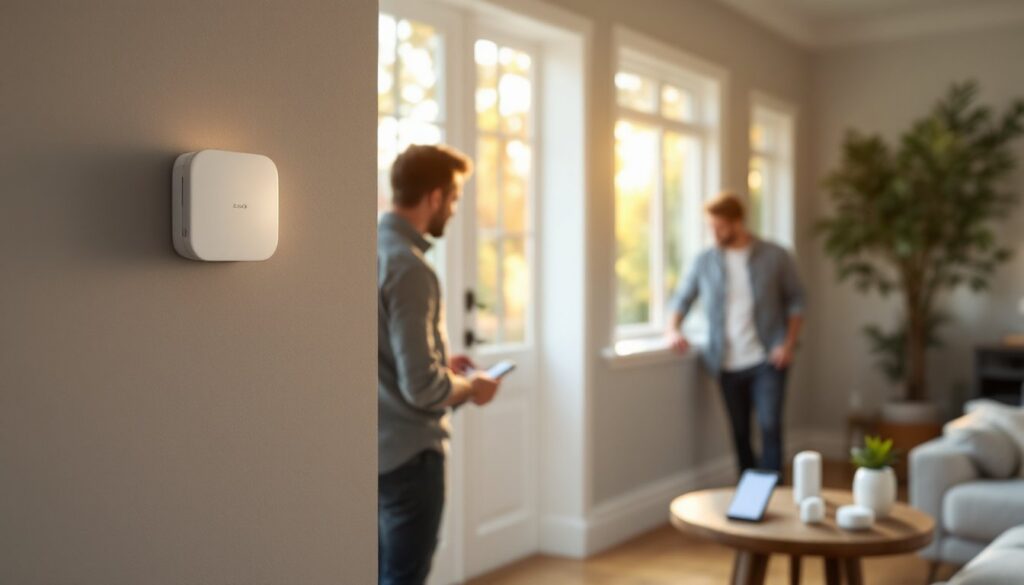
The mechanics are straightforward: wireless or wired sensors detect door/window movement and send a signal to a hub (like an old-school alarm panel, but smarter). The hub connects to your WiFi and pushes notifications to your phone through the provider’s app. No landline required, just internet. If a sensor detects something while you’re at work, you get an alert in real time and can decide whether to call police, check a camera, or investigate later.
Free systems work best as a first layer of deterrence and awareness. A visible sensor or alarm decal discourages casual break-ins, and instant notifications let you react fast. They’re less suitable if you live somewhere with frequent false alarms that require professional response, or if you want police dispatched automatically without your phone working.
Types of Free Alarm Solutions Available
DIY Smart Home Integration
The simplest free setup combines affordable smart locks, door/window sensors, and a smart speaker (like Amazon Alexa or Google Home) you may already own. Brands like Wyze, Eufy, and SimpliSafe offer entry-level sensors ($15–40 each) and free cloud storage for a limited number of events. You’re not paying monthly for monitoring, you’re building a basic system piece by piece.
Here’s what you control: when doors open, the sensor triggers an action on your smart speaker (an alarm sound, a siren, a recorded warning). Some systems let you create automation routines, like “if motion detected and nobody’s home, turn on lights and play a siren.” It’s not professional-grade, but it’s your system, instant, and zero recurring fees. Smith Thompson Home Security offers alternatives if you prefer a professional touch.
The drawback: you’re responsible for maintaining the network, updating firmware, and responding to alerts. No monitoring center backs you up. If you’re away and don’t see the notification, or your internet drops, nobody’s checking on your home.
Smartphone Apps and Monitoring
Several companies offer free trials of fully managed systems before you commit to paid monitoring. Ring, Wyze, and Abode typically give 30–60 days of professional 24/7 monitoring at no cost. During that trial, a monitoring center watches your system, calls you if an alarm triggers, and can dispatch police with your permission.
After the trial ends, you either pay (usually $10–20/month) or revert to app-only alerts. Some users stretch the free period by pausing service and restarting the trial with a different email or account, though the terms usually forbid this, read the fine print.
A smarter approach: use the free tier permanently. Companies like Wyze and Eufy explicitly allow free cloud recording for a limited number of events (typically 5–10 per day), plus app alerts on all activity. You lose professional dispatch, but you keep 24/7 awareness. The motion sensor alarm options can supplement this setup for added sensitivity.
Reality check: free app monitoring works only if you’re reliably checking your phone and can call 911 yourself. Don’t rely on it if you’re frequently unreachable or prefer the peace of mind that comes with professional oversight.
Setting Up Your Free Alarm System at Home
Start with a site survey. Walk your home and identify every entry point: doors, first-floor windows, sliding glass doors, basement windows, and garage doors. Mark them on a simple floor plan or notepad. This tells you how many sensors you need and where to place them. A one-bedroom apartment might need 4–6 sensors: a three-bedroom house could need 10–15.
Next, choose your hub and sensors. If you own an Amazon Echo, Google Nest, or Apple HomePod, you already have a smart speaker that can trigger alarms. Pair it with door/window contact sensors (around $20 each) from brands like Wyze or Eve. No monthly fee, just the upfront hardware cost. Alternatively, pick an all-in-one system like SimpliSafe or Wyze that bundles a hub, sensors, and a keypad. These run $150–300 upfront for a starter kit.
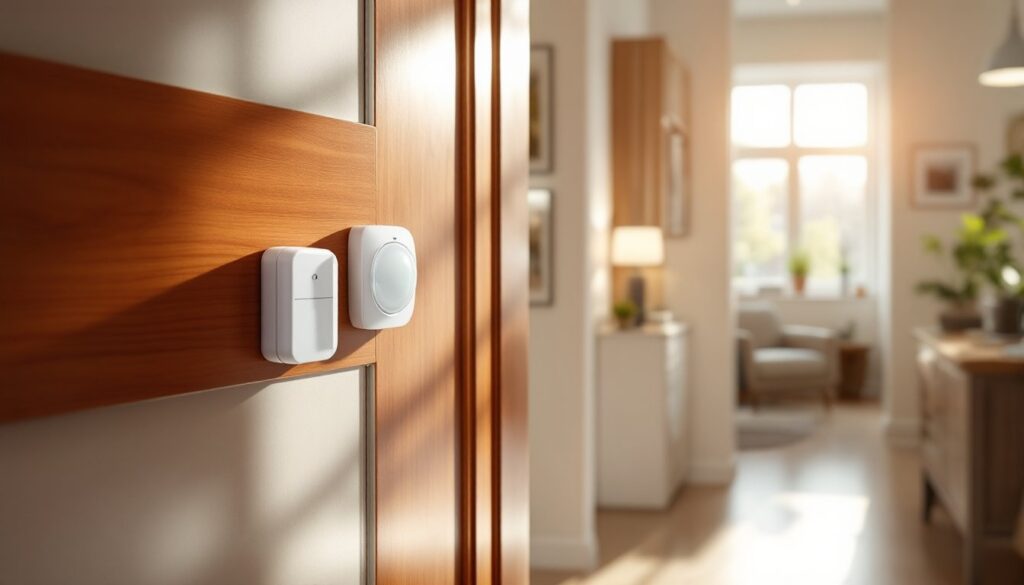
Installation is user-friendly. Door/window sensors stick to the frame using adhesive strips: no screws or drilling required. Position the sensor magnet on the moving part (the door or window) and the contact switch on the static frame, roughly 1–2 inches apart. Test the connection in the app to confirm it registers.
WiFi placement matters. Keep your hub centrally located, away from metal appliances and dense walls. WiFi penetrates better through drywall than through brick, concrete, or water-filled structures like aquariums. If a sensor on the far end of your garage won’t connect, move the hub closer or add a WiFi extender.
Configure alerts in the app. Set which sensors trigger alarms, mute false alarms from pets (pet-immune motion sensors are worth the extra $10–15), and choose your notification preferences. Test the system by opening a door and confirming your phone alerts. During testing, disable any alarm sounds to avoid annoying your neighbors, wired alarm systems offer more control if you later want a hardwired upgrade.
Mount a visible alarm decal near your front door and windows. A $2 sign saying “Protected by Alarm System” deters many casual thieves, they’ll target an easier house. Research shows alarm decals reduce break-in attempts, even on free systems.
Maximizing Free Tiers and Trial Periods
Read the terms of any free trial before signing up. Most companies let you use paid features (professional monitoring, cloud video) free for 30–60 days, then require a credit card. Mark your calendar 5 days before the trial ends. Cancel before the system auto-renews, or you’ll be charged.
Some systems, like Wyze and Eufy, offer perpetual free tiers, no trial, no expiration. You get basic motion/door alerts forever. Their paid tiers add person detection, cloud video storage, and 24/7 monitoring, but the free version never expires or forces you to upgrade. These are genuinely better for budget-conscious homeowners.
Use free tiers strategically. Stack multiple systems if your home size warrants it. A Wyze system protecting your front entrance pairs well with a eufy system on the back of your house, both free, both sending alerts to your phone. No redundancy fee, just two independent networks. Digital Trends reviews the latest smart home options if you’re comparing platforms.
Maximize trial monitoring by setting realistic expectations. Use the 60-day trial to test whether professional 24/7 monitoring is worth the cost for your situation. If you’re home most evenings and weekends, you might not need it. If you travel often or work long shifts, professional monitoring becomes more valuable. The trial period is your test drive, use it to decide.
Consider a hybrid approach. Run a free system as your primary alert layer (door/window sensors on every entry), and rely on a camera or upgraded tier only for high-value items or problem areas. This keeps monthly costs low while still protecting your home. CNET’s free security camera guide highlights compatible options.
Limitations to Know Before You Install
Free alarm systems have real trade-offs. The biggest: no automatic police dispatch. If a sensor triggers while you’re asleep, unconscious, or your phone is off, nobody is coming to your house unless you call 911. Professional monitoring centers exist partly to call for help when you can’t. Free systems assume you’ll always be able to respond, a risky assumption.
Second, free tiers rarely include professional installation or 24/7 customer support. If a sensor malfunctions at 2 a.m. on a Sunday, you’re troubleshooting alone. Many DIYers handle this fine, but some prefer the peace of mind of a tech showing up to fix problems.
Third, free cloud storage is limited. Most free systems record motion clips for 5–10 events per day, then overwrite older clips. A major break-in might generate 50+ clips, causing earlier footage to vanish. Upgrading to paid cloud storage (usually $3–10/month) solves this, but that’s a cost.
Fourth, free systems don’t meet insurance requirements in many cases. Homeowner’s insurance may discount your premium for having a monitored alarm system (often 5–15% off), but only monitored systems qualify. Free systems get you no discount. If preventing theft is your main goal, this matters, the discount might pay for monitoring over time.
Fifth, internet dependency. If your WiFi fails or your broadband goes out, your free system likely goes dark. Wired systems have battery backup and landline options that free WiFi-dependent systems don’t. Cellular backup costs extra.
Be honest about your home’s risk profile. An apartment on the third floor in a quiet neighborhood with neighbors nearby faces lower risk than a house on a country road. Free systems suit lower-risk homes: higher-risk situations warrant professional monitoring. Tom’s Guide compares the best free security cameras available if you want to add visual monitoring without cost.