A Chamberlain driveway alarm gives homeowners a practical way to monitor who’s approaching their property without constant manual checking. Unlike traditional motion lights, a driveway alarm system combines sensor detection with alert notifications, some wireless, some hardwired, to let you know when a vehicle or person enters your driveway. Whether you’re securing a long rural property, monitoring a rental unit, or just wanting an extra layer of awareness, understanding how these systems work and how to set them up is the first step toward smarter home security. This guide covers everything from how Chamberlain driveway alarms function to installation, customization, and troubleshooting.
Table of Contents
ToggleKey Takeaways
- A Chamberlain driveway alarm uses passive infrared or microwave sensors to detect motion and send instant alerts to your home or phone, eliminating the need for manual surveillance.
- DIY installation for wireless models takes 1–2 hours and requires only basic positioning at the end of your driveway—no permits or electrician needed.
- Adjustable sensitivity settings and dual-sensor technology help reduce false alarms from animals and weather while reliably detecting vehicles and people.
- Battery-powered wireless units last 1–2 years and offer flexible control, while hardwired models provide superior reliability and eliminate battery replacement.
- Regular seasonal adjustments and proper sensor positioning—3–5 feet high facing incoming traffic—are essential to maintain consistent detection performance.
- Troubleshooting missed alerts or weak transmission typically involves checking battery voltage, repositioning the receiver closer to the sensor, and clearing debris from the lens.
What Is a Chamberlain Driveway Alarm?
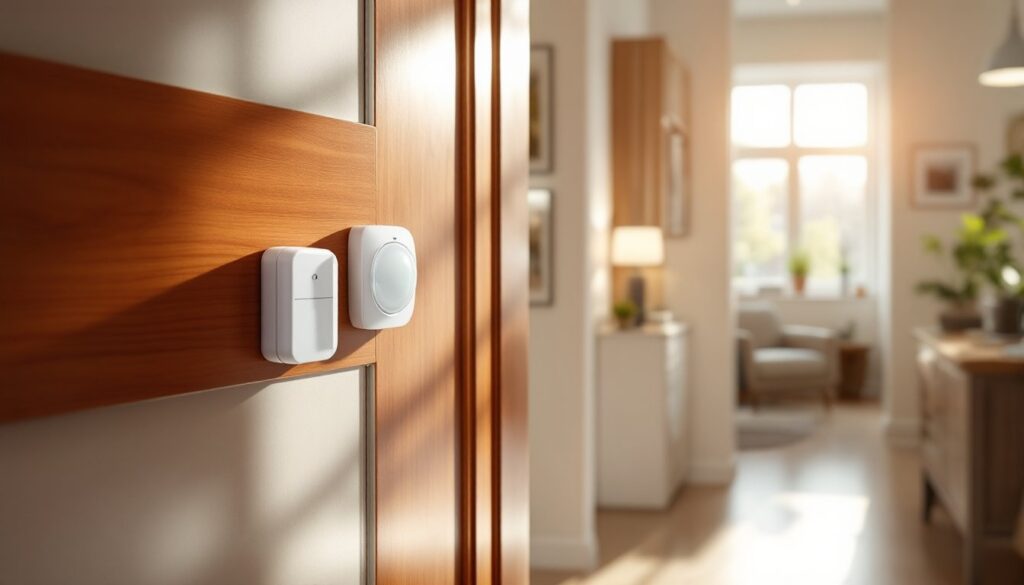
A Chamberlain driveway alarm is a sensor-based security system that detects motion or vehicle arrival and triggers an audible alert or wireless notification to your home or phone. Most models use an outdoor sensor unit, typically powered by batteries or a solar panel, positioned at the end of your driveway or property edge. When motion crosses the sensor’s detection zone, the receiver inside your home (usually plugged into an outlet or battery-powered) sounds an alarm or chime to alert you.
How It Works and Why Homeowners Choose It
Chamber lain driveway alarms operate on one of two core technologies. Passive infrared (PIR) sensors detect heat signatures from vehicles or people, while microwave or photoelectric sensors can detect vehicle metal mass or beam interruption. Most residential models use PIR for simplicity and lower false-alarm rates.
The typical workflow is straightforward: a vehicle or person approaches, the outdoor sensor picks up motion, and within milliseconds, a signal transmits to the receiver indoors. Homeowners prefer these systems because they’re independent of WiFi (though some newer models integrate with smart home hubs), require minimal wiring, and work around the clock. Unlike relying on a security camera feed you’d have to monitor manually, the alarm alerts you immediately. For properties with longer driveways, vacation homes, or rental units, this peace of mind is invaluable.
Chamber lain’s reputation in garage door openers extends to their alarm hardware, they’re known for reliable transmission ranges (typically 300–500 feet for hardwired models, slightly less for battery-operated variants) and durable outdoor-rated enclosures. According to CNET’s smart home device reviews, wireless driveway sensors that use proven transmission protocols experience fewer missed alerts than budget alternatives.
Key Features and Technology Benefits
Modern Chamberlain driveway alarm systems come packed with features designed to reduce false alarms and customize your experience. Most units offer adjustable sensitivity settings, allowing you to ignore small animals while catching vehicles or larger motion. If you live near a busy road, this is essential, nobody wants the alarm screaming every time a neighbor’s cat crosses the sensor.
Many models feature dual-sensor technology, combining PIR with microwave detection to confirm an actual threat rather than triggering on a blowing trash can. Range is another critical spec: typical Chamberlain units cover 30–50 feet wide and up to 35 feet deep, though this varies by model and terrain obstacles.
Wireless models powered by lithium or AA batteries last 1–2 years depending on traffic frequency and ambient temperature. Solar-assisted sensors extend battery life indefinitely in sunny climates but are bulkier and pricier. Hardwired models (which require running low-voltage wire from your house to the sensor location) eliminate battery hassles but demand more installation labor.
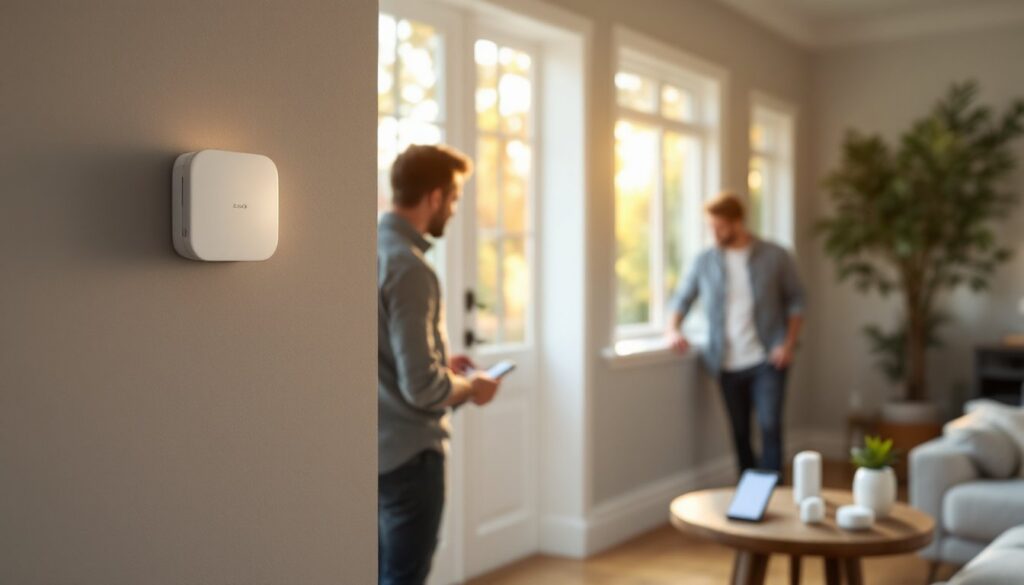
Recent models integrate with home automation systems, allowing alerts to push notifications to your smartphone. Chamberlain’s own wireless receivers work standalone, but some units now sync with garage door openers or other smart home platforms. When comparing options, Digital Trends’ home automation reviews highlight reliability metrics and alert latency, which matter more than flashy features you’ll rarely use.
Installation Guide for DIY Setup
Most Chamberlain driveway alarms are designed for DIY installation, no permits required, and no licensed electrician needed. The process typically takes 1–2 hours for a wireless model, longer if you’re running buried cable for a hardwired sensor.
Tools and Preparation You’ll Need
Wireless Model Installation:
-
Gather your kit. Unbox the outdoor sensor, indoor receiver, batteries (usually included), and mounting hardware. Read the manual, Chamberlain’s instructions vary by model generation, and missing a step leads to dead zones or dropped signals.
-
Choose the sensor location. Place the outdoor unit at the end of your driveway, ideally 3–5 feet off the ground on a post, wall, or fence. Avoid direct sunlight for battery-powered models (heat drains cells faster), and ensure the sensor faces the direction vehicles approach. Test the detection zone with a walk-through before final mounting, you’re looking for consistent triggering when you cross the beam line, not sporadic pings.
-
Install batteries. Most wireless sensors use 2–4 AA or AAA lithium batteries. Alkaline batteries work but deplete faster, especially in cold weather. Insert them, confirm the sensor light indicator blinks (usually green = armed), and reset the unit per the manual.
-
Mount the receiver indoors. Plug the indoor unit into a standard outlet in your home, ideally within 100–150 feet of the outdoor sensor for reliable signal. Some models let you clip them to a wall near a door or window. Don’t hide the receiver in a metal box or behind thick walls, signal penetration drops significantly.
-
Test the system. Walk toward the sensor from your driveway. The receiver should chime or alarm within 2–3 seconds. Adjust sensitivity if needed, most units have a dial or switch marked Low, Medium, High. Start at Medium and dial down if you get false alarms.
-
Secure outdoor components. Use the included U-bolts or weatherproof brackets to lock the sensor in place. If mounting on wood, use galvanized or stainless screws (regular steel rusts in weeks). For metal posts, apply a thin layer of silicone sealant around screw heads to prevent water intrusion.
Hardwired Model Installation:
If you’re running a hardwired sensor, you’ll need to bury low-voltage wire (typically 18–22 gauge, shielded) from your house to the driveway. This requires a shallow trench (6–12 inches deep) and patience. Use PVC conduit to protect the wire from rodents and UV exposure. At both ends, solder the wire connections and seal with waterproof shrink tubing. This approach is more labor-intensive but eliminates battery replacement and offers superior reliability in areas with heavy driveway traffic.
For either installation, test your detection zone in daylight and at night. Sensor behavior can shift with temperature and humidity, so don’t assume your initial setup is final.
Customizing Alerts and Monitoring Your Driveway
Once installed, your driveway alarm needs tuning to your lifestyle. Most Chamberlain units let you adjust the alarm tone, volume, and repeat pattern, some chime once, others loop until acknowledged. If you live in an apartment or share a property boundary, a gentler chime beats a siren.
Sensitivity tuning is ongoing. High sensitivity catches everything but triggers false alarms on wind-blown debris or animal movement. Low sensitivity misses smaller vehicles or pedestrians. Most users settle on Medium with periodic seasonal adjustments. Test after heavy rain or when vegetation grows thick near the sensor, moisture and leaves can create shadow zones that block detection.
For added control, install the sensor on a separate circuit or timer if your property experiences predictable off-hours. Some homeowners arm the alarm only at night or during vacation periods. Battery-powered wireless units let you simply remove batteries to disable: hardwired versions need a physical switch installed in-line with the power supply.
If upgrading to a smart-enabled model, pair the receiver with your phone’s app (if available) to receive push notifications. This is handy if you’re away from home, but remember: cloud-based alerts depend on your WiFi and the manufacturer’s server, a direct hardwired or strong battery signal is more reliable during internet outages. According to Tom’s Guide’s detailed Chamberlain driveway alarm review, models with hybrid (local + cloud) alerting offer the best balance of speed and redundancy.
Troubleshooting Common Issues
No alert or missed detections: First, check battery voltage, a weak battery can cause intermittent operation. Replace with fresh lithium cells. If hardwired, inspect connectors for corrosion. Test the receiver’s placement: if it’s too far or behind metal, reposition it closer to a window or exterior wall. Confirm the sensor is armed and not in a test mode (many units have a Test setting that disables alarm but logs activity).
False alarms triggered by weather or animals: Increase the sensitivity threshold or angle the sensor slightly downward to ignore waist-level motion (animals usually trigger at 3–6 feet, vehicles at chest height). Heavy rain or fog can confuse passive infrared sensors: if you’re in a rainy climate, add an eave or sun shade above the sensor to reduce moisture interference.
Receiver not chiming indoors: Verify the outlet works (plug in a lamp to test). Check that the receiver’s volume dial isn’t turned all the way down. Some units have a mute button activated by accident. If the receiver is silent even though good battery power in the sensor, the wireless pairing may have dropped, consult the manual’s pairing instructions (usually a button-hold sequence).
Weak transmission range: Physical obstacles like metal siding, dense trees, or neighboring structures reflect signals. Relocate the receiver to a higher spot or nearer the front of the house. Metal roofing on outbuildings can create dead zones. In rural areas with extreme distances (over 500 feet), a hardwired model or a signal booster (some Chamberlain kits offer them) becomes necessary.
Corroded or stuck sensor cover: If the outdoor unit accumulates dirt or ice, gently clean with a soft brush and mild soap. Avoid high-pressure washers that force water into seals. Silicone grease on the cover seam helps shed water. In freezing climates, inspect sensors monthly during winter: ice buildup can blind the lens.